
Resources
Weekly Tips
Short, practical Foxit PDF Editor tips — one each week. Share the link instead of a Word attachment.
25 tips · PDF Editor
 Tip #25PDF EditorSep 18, 2026
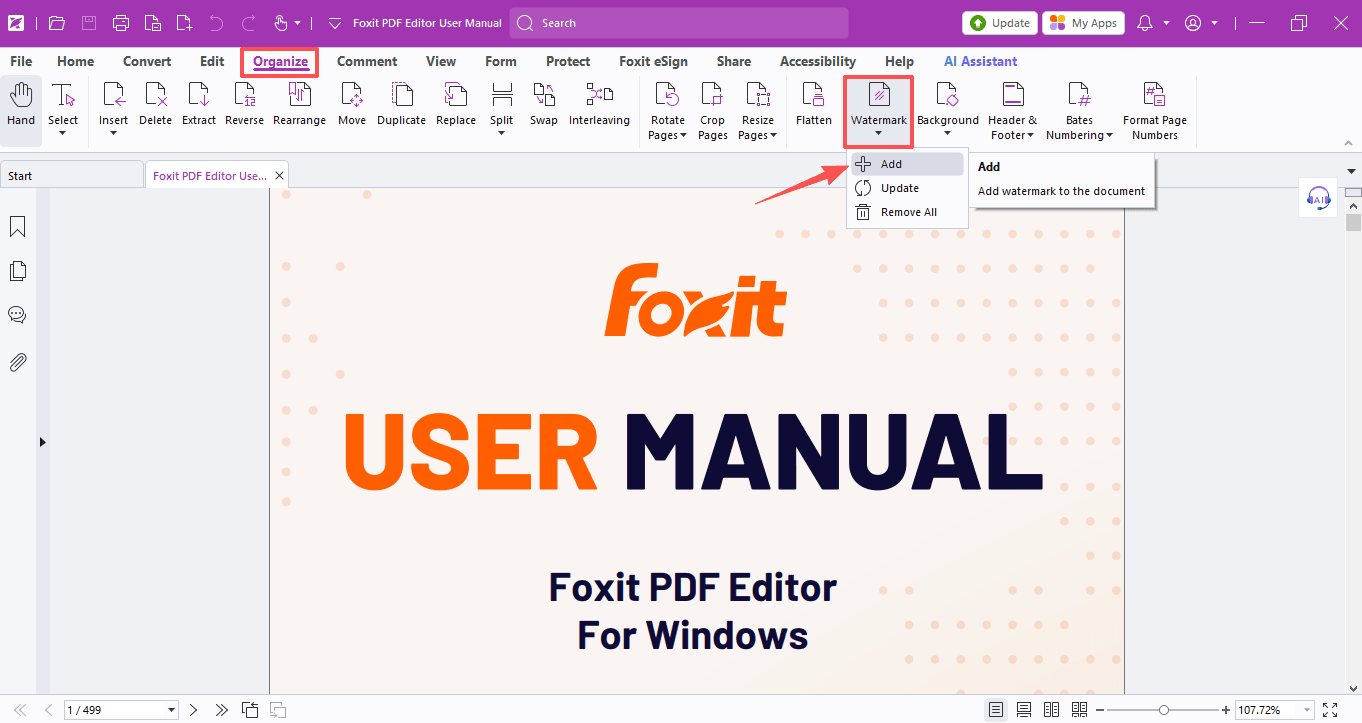
How to Add Watermarks to Your PDF
From copyright protection to self-promotion—watermarks do it all. Here's how to add them in Foxit PDF Editor in just a few clicks.
Read Tip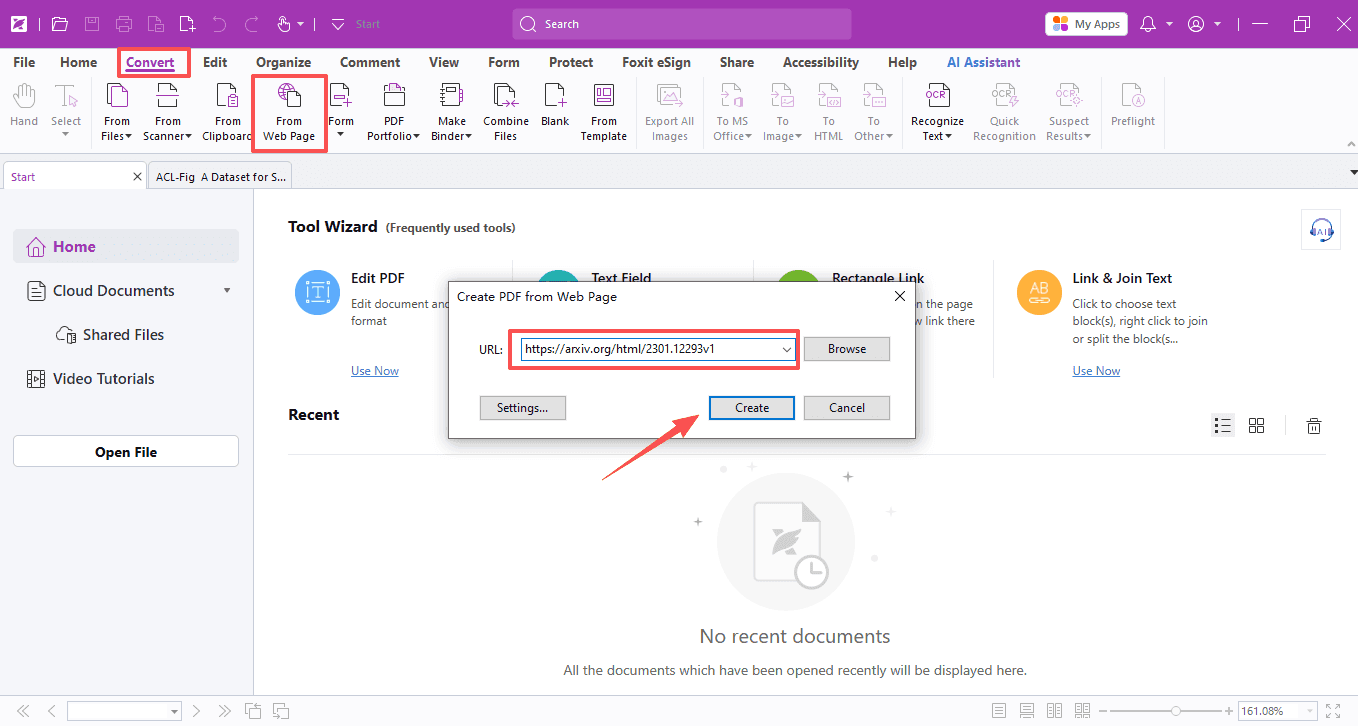 Tip #24PDF EditorSep 11, 2026
How to Extract Tables and Images from Research Papers and Webpages
Tired of copy-pasting messy tables from PDFs and web pages? Foxit PDF Editor pulls them out for you—clean and ready to use.
Read Tip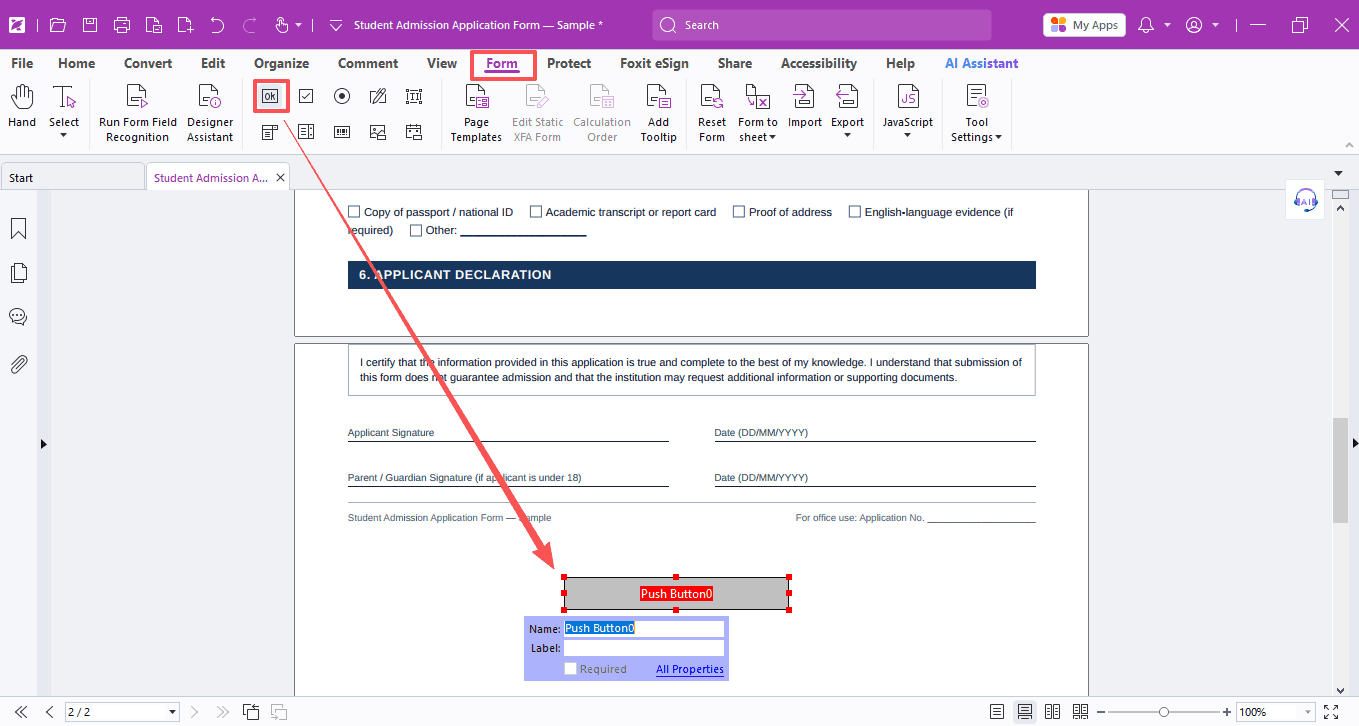 Tip #23PDF EditorSep 4, 2026
How to Set Up One-Click PDF Form Submission to Your Inbox
Manual PDF form collection is a waste of time—here's how to automate submissions straight to your inbox.
Read Tip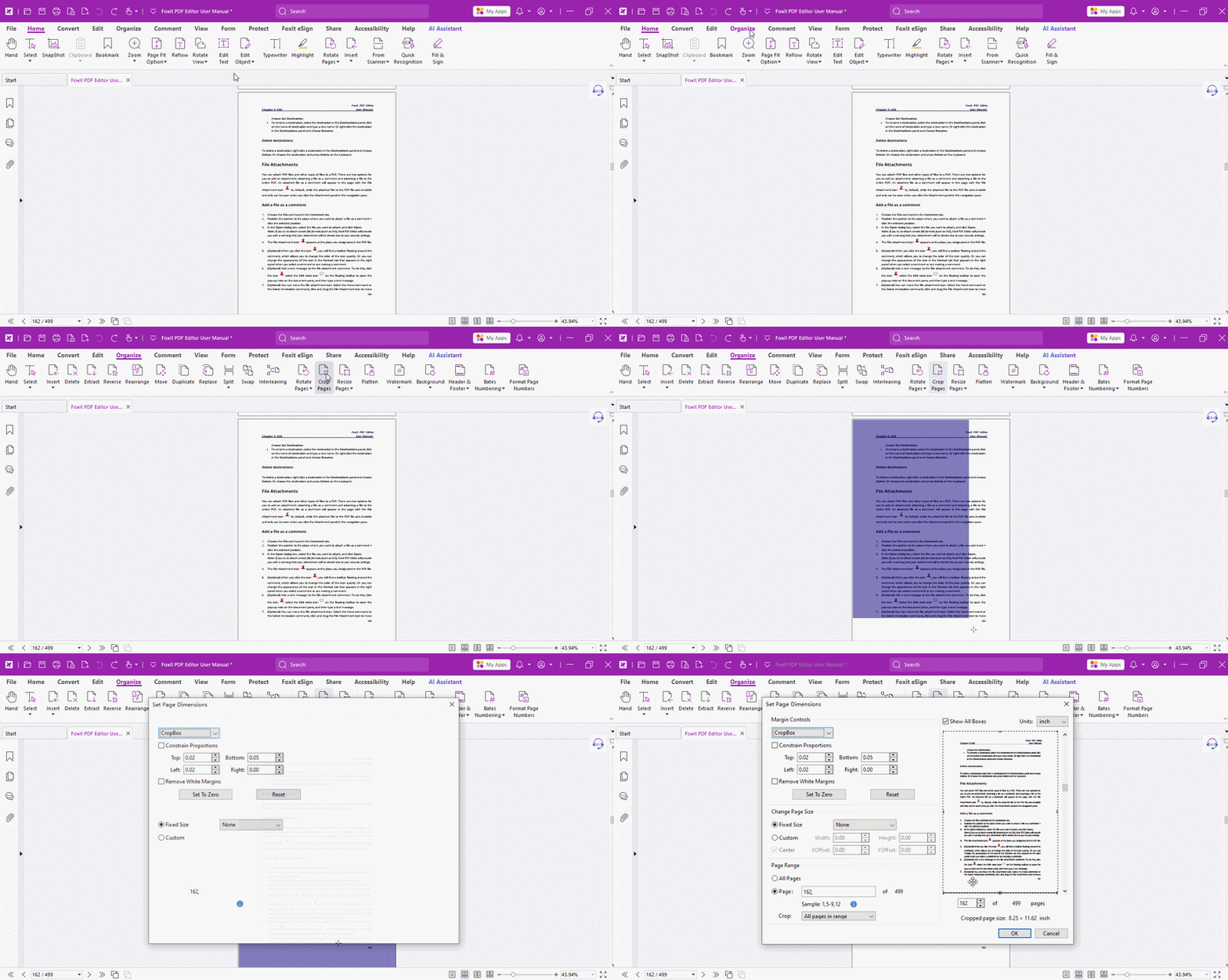 Tip #22PDF EditorAug 28, 2026
How to Create More Margin Space for Notes in PDFs
Out of margin space for your PDF notes? Foxit PDF Editor instantly expands the page so you always have room to write.
Read Tip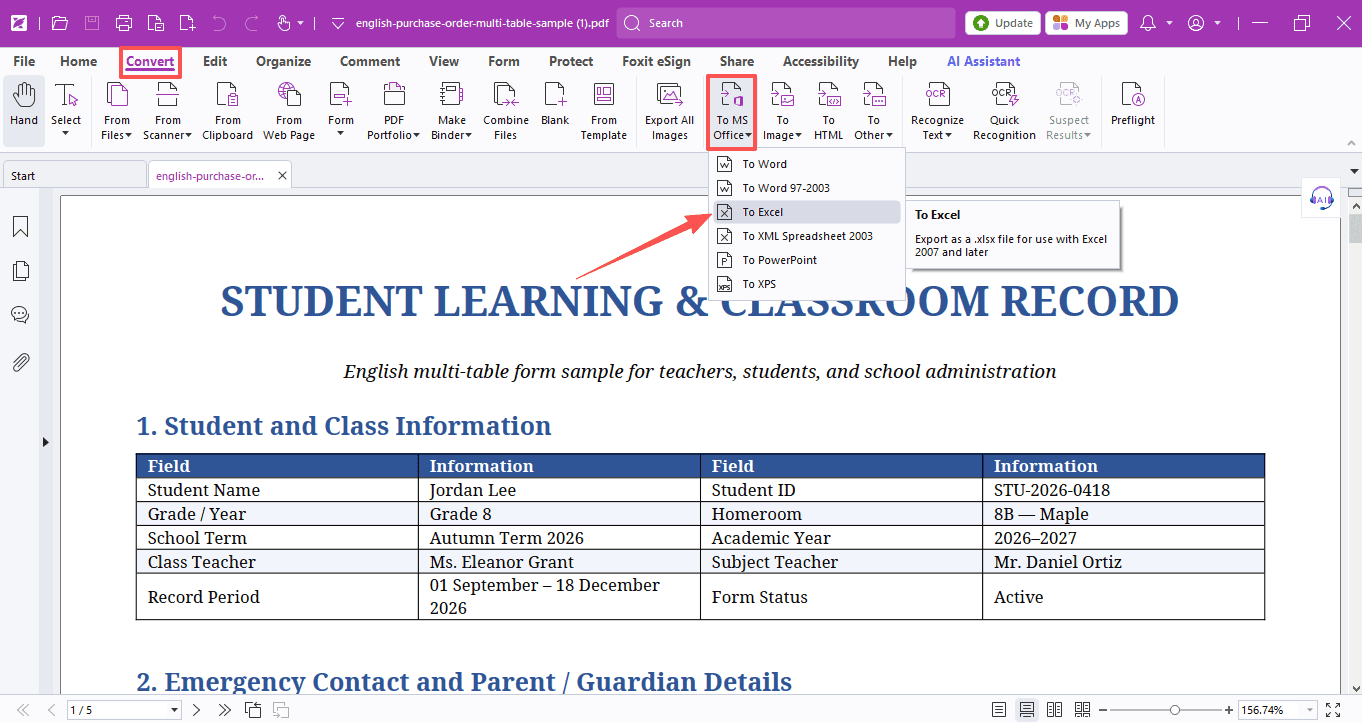 Tip #21PDF EditorAug 21, 2026
How to Convert PDF Tables to Excel the Easy Way
Still manually rebuilding complex PDF tables in Excel? Here's how to convert multiple tables into separate worksheets instantly and accurately.
Read Tip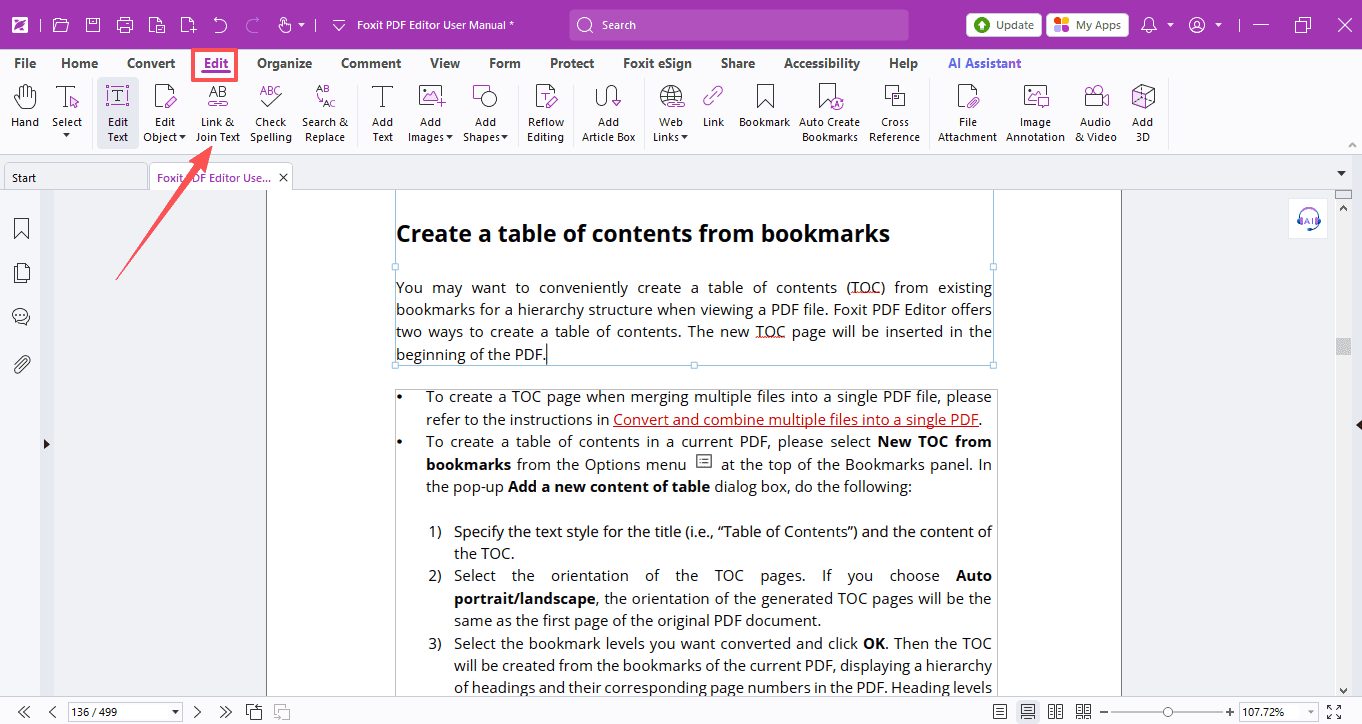 Tip #20PDF EditorAug 14, 2026
How to Fix Broken Text Blocks and Edit Objects in PDFs
Can't edit PDF text smoothly because it's broken into disconnected boxes or blocked by images? Link & Join Text solves exactly that.
Read Tip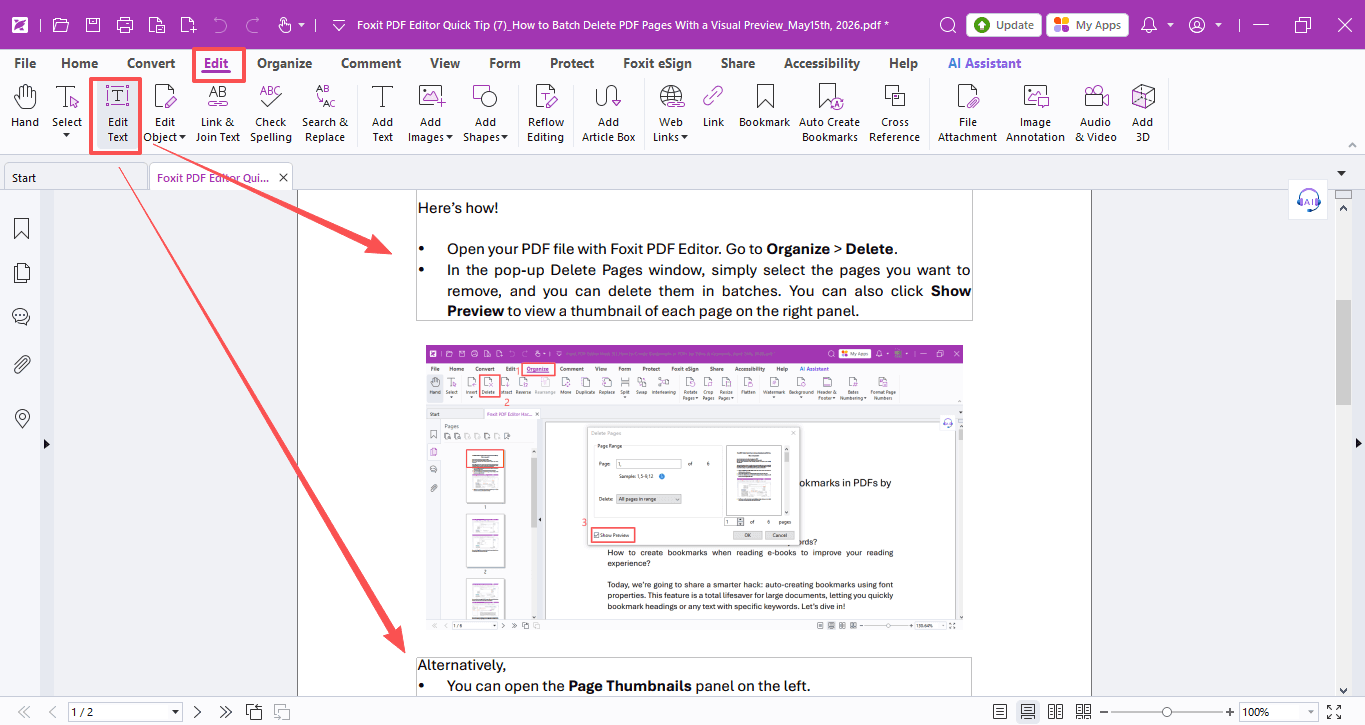 Tip #19PDF EditorAug 7, 2026
How to Edit Text Directly in a PDF Without Converting to Word
Why convert PDFs to Word when you can edit them directly? Save yourself the endless back-and-forth and get the job done efficiently.
Read Tip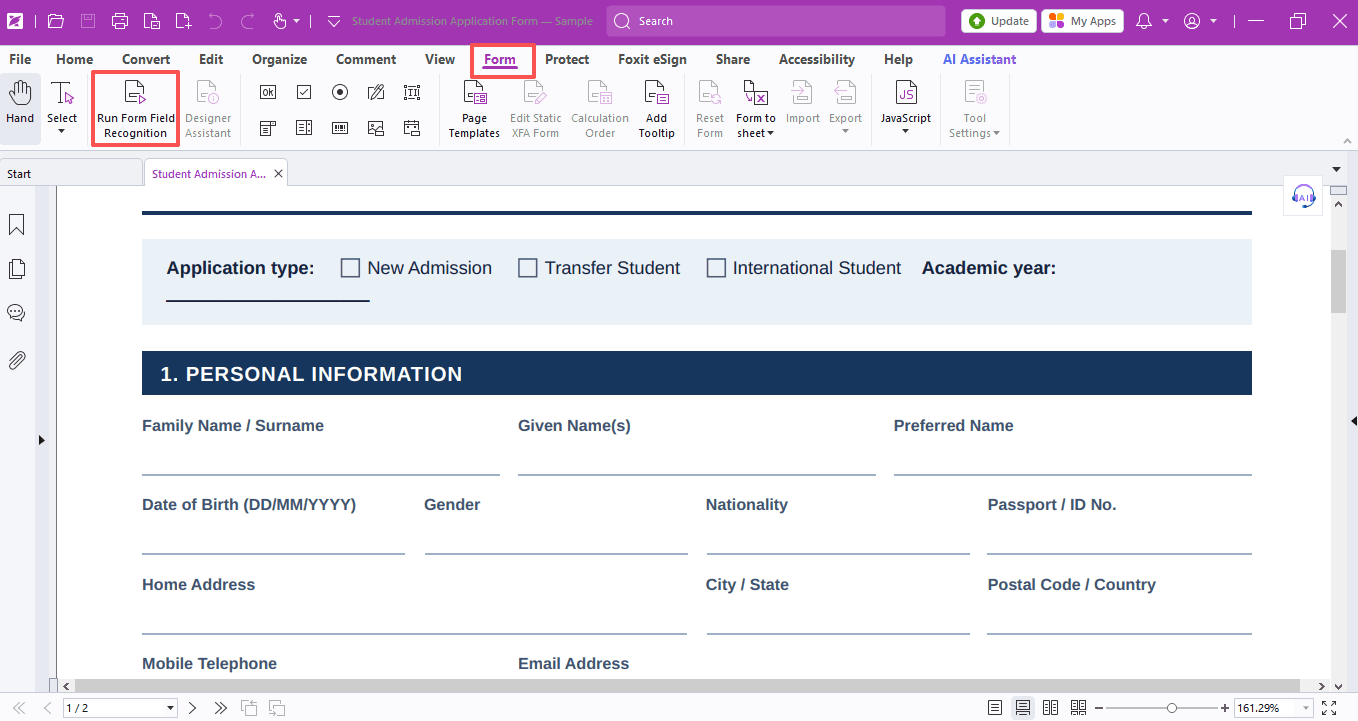 Tip #18PDF EditorJul 31, 2026
How to Complete PDF Forms Fast with Foxit PDF Editor
What do you do when you download a PDF form you can't type into—convert it to Word? Skip that hassle and fill it out directly with Foxit's Form tool.
Read Tip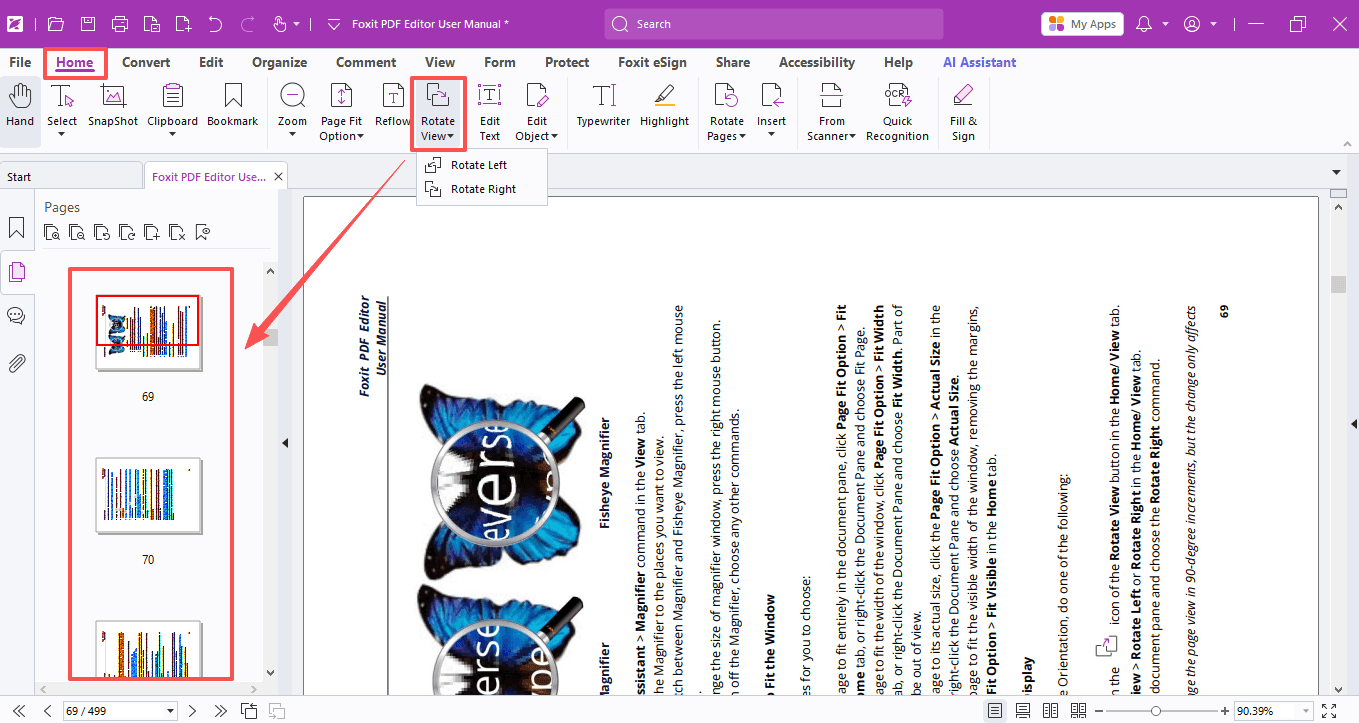 Tip #17PDF EditorJul 24, 2026
How to Rotate Single or Multiple Pages in a PDF
Nothing throws off your reading flow like a page that's facing the wrong way. Foxit PDF Editor makes it super easy to rotate pages.
Read Tip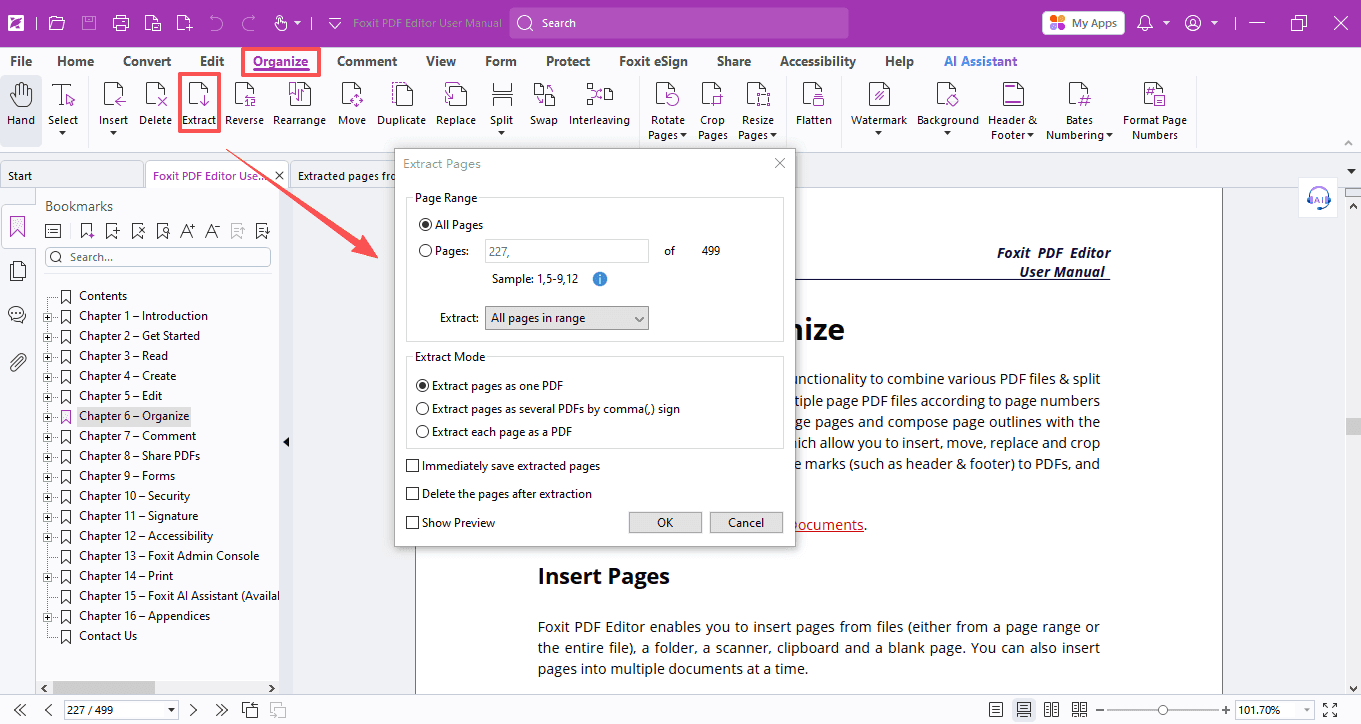 Tip #16PDF EditorJul 17, 2026
How to Extract Specific Pages from a PDF
No more full textbook PDFs! Extract key chapters and cut the clutter, all in seconds with Foxit PDF Editor.
Read Tip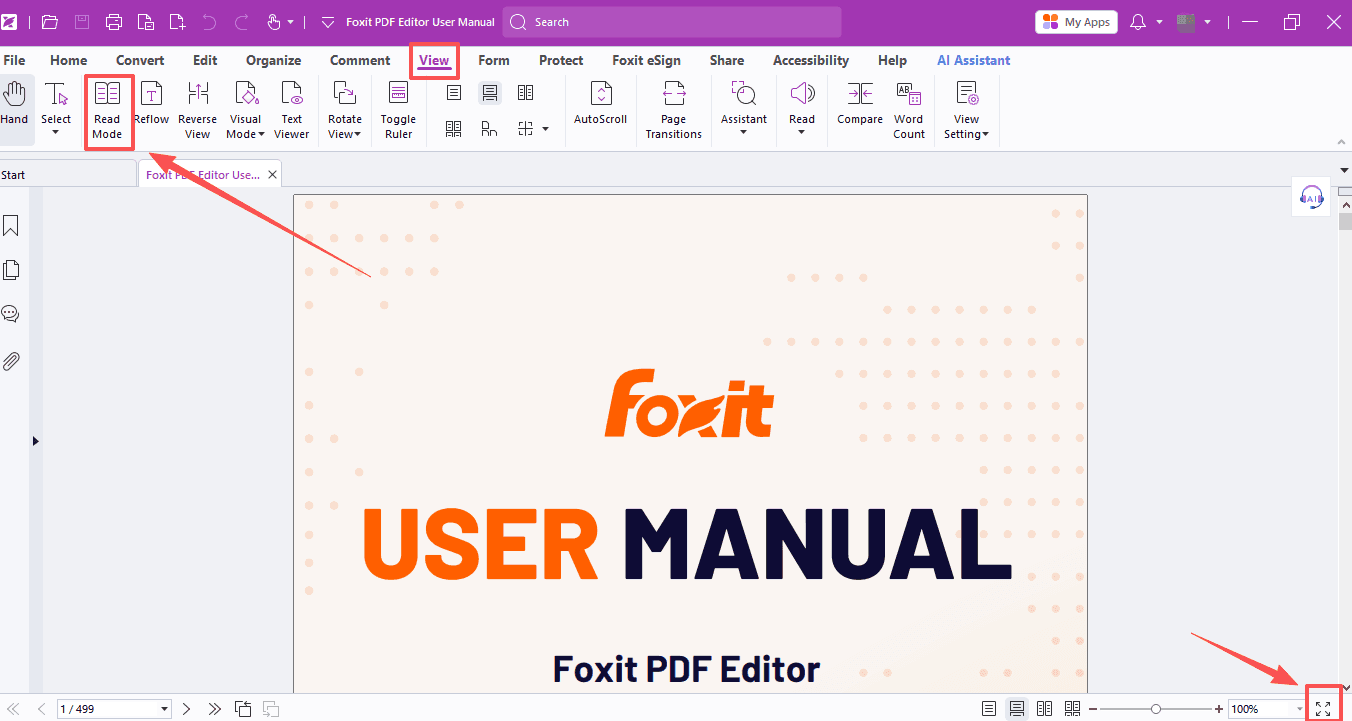 Tip #15PDF EditorJul 10, 2026
How to Make Your Reading Experience More Comfortable and Eye-Friendly
Tired of endless scrolling and eye strain while studying PDFs? The reading features of Foxit PDF Editor fix that—relaxed, eye-friendly, hands-free.
Read Tip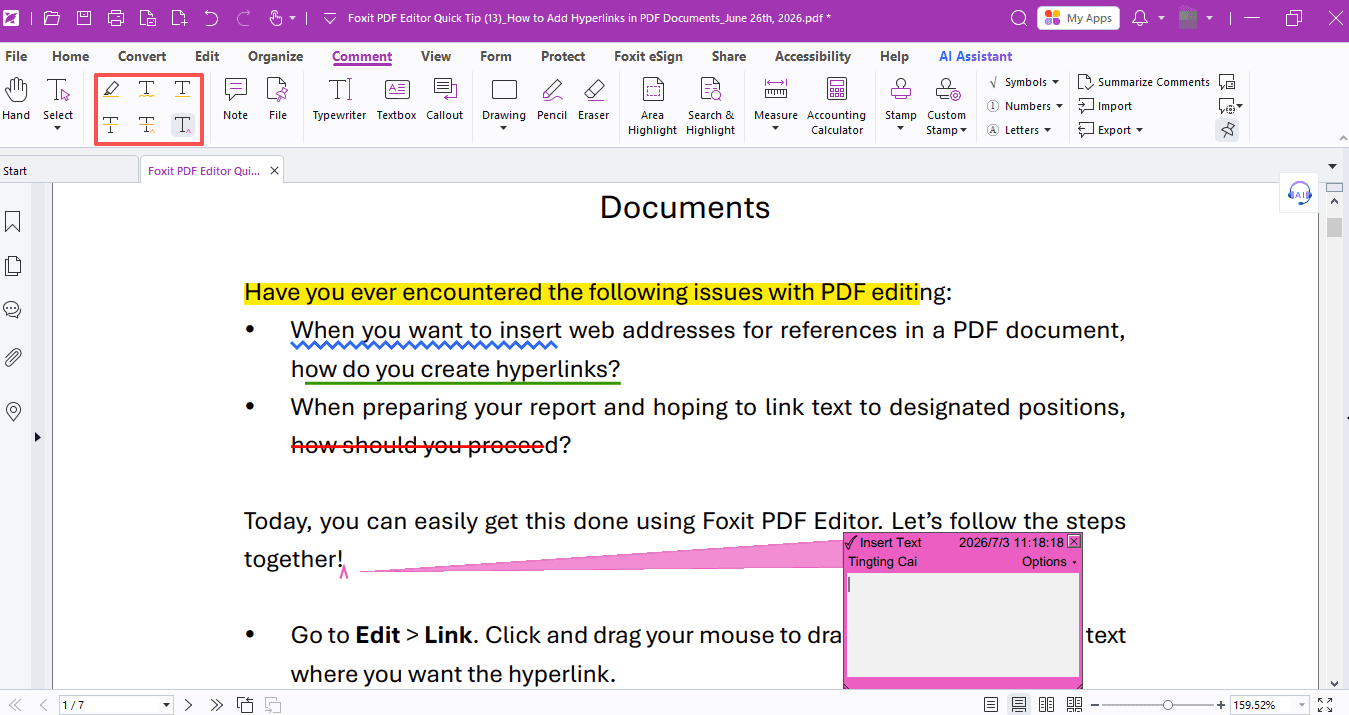 Tip #14PDF EditorJul 4, 2026
How to Annotate a PDF Document
Whether you're grading, annotating, or marking up, Foxit PDF Editor's built-in annotation tools keep it clear and efficient.
Read Tip