
Resources
Weekly Tips
Short, practical Foxit PDF Editor tips — one each week. Share the link instead of a Word attachment.
25 tips · PDF Editor
 Tip #13PDF EditorJun 26, 2026
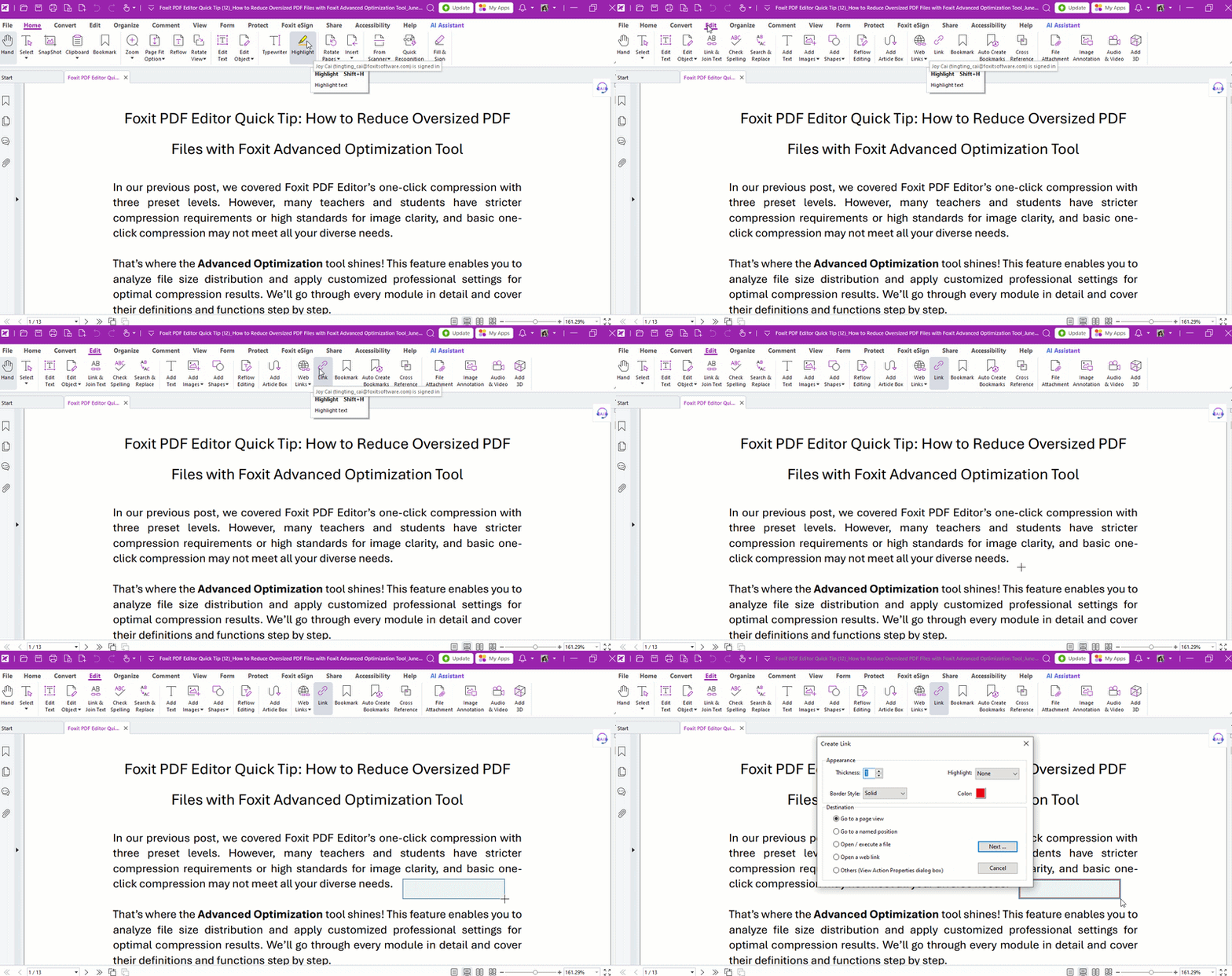
How to Add Hyperlinks in PDF Documents
Need to add hyperlinks or internal jump links in a PDF? Foxit PDF Editor lets you create them in just a few clicks.
Read Tip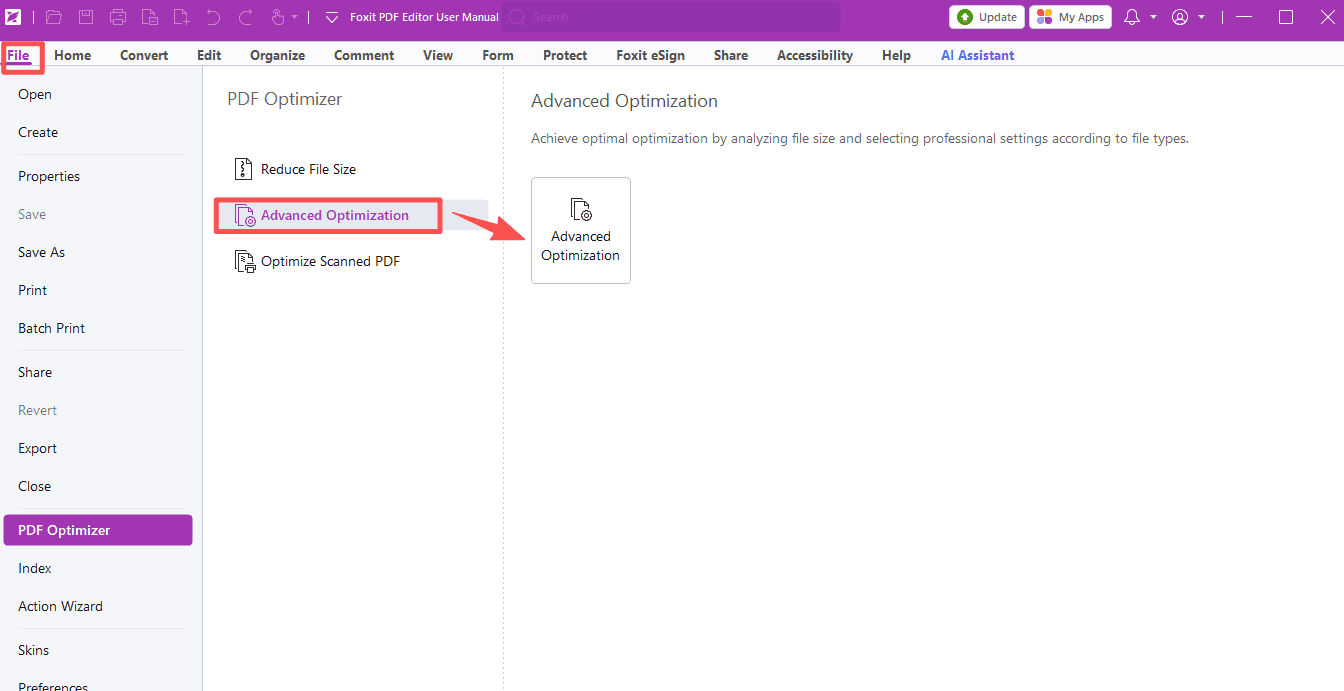 Tip #12PDF EditorJun 18, 2026
How to Reduce Oversized PDF Files with Foxit Advanced Optimization Tool
One-click compression not enough? Foxit PDF Editor's Advanced Optimization gives you full control over size and clarity.
Read Tip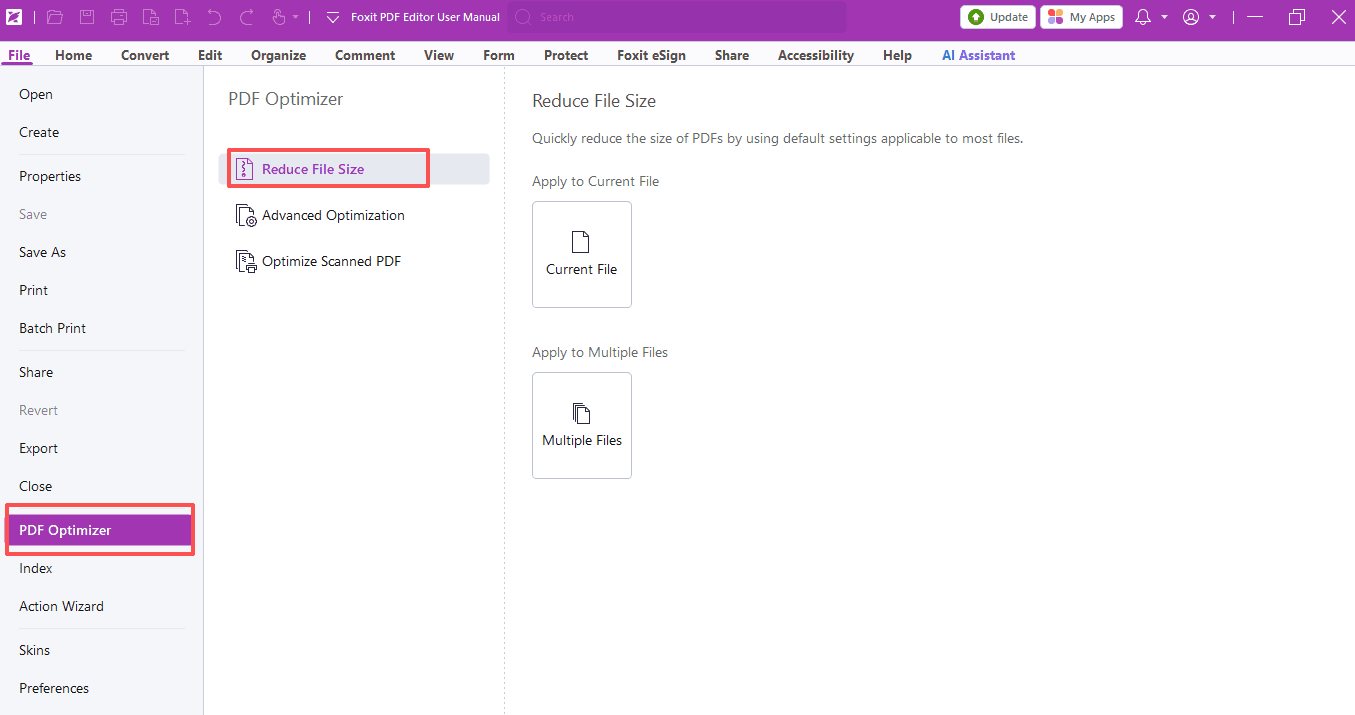 Tip #11PDF EditorJun 12, 2026
How to Reduce Your PDF File Size
Oversized PDFs? Foxit PDF Editor makes them easy to shrink, with a preview of the estimated file size.
Read Tip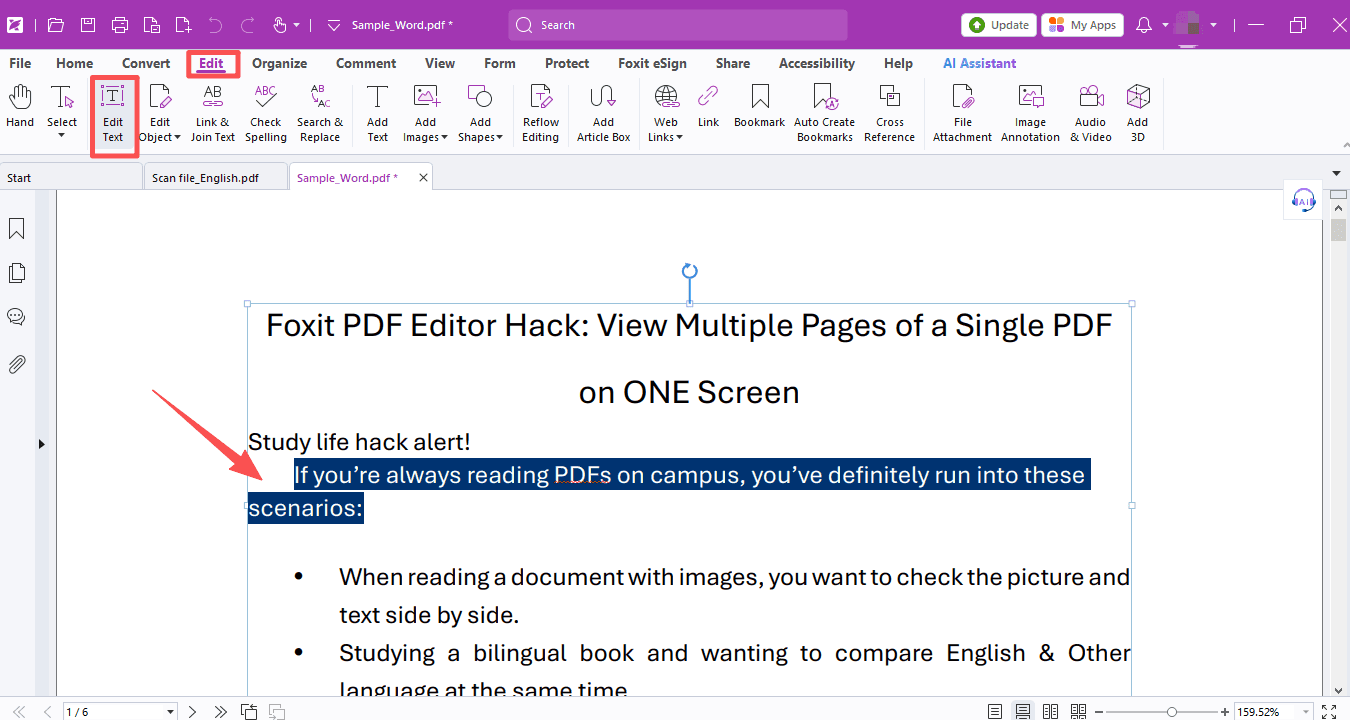 Tip #10PDF EditorJun 4, 2026
How to Extract Text from PDFs
Need to extract text from scanned PDFs or images? Foxit's partial OCR tool lets you recognize just the region you need—fast and easy.
Read Tip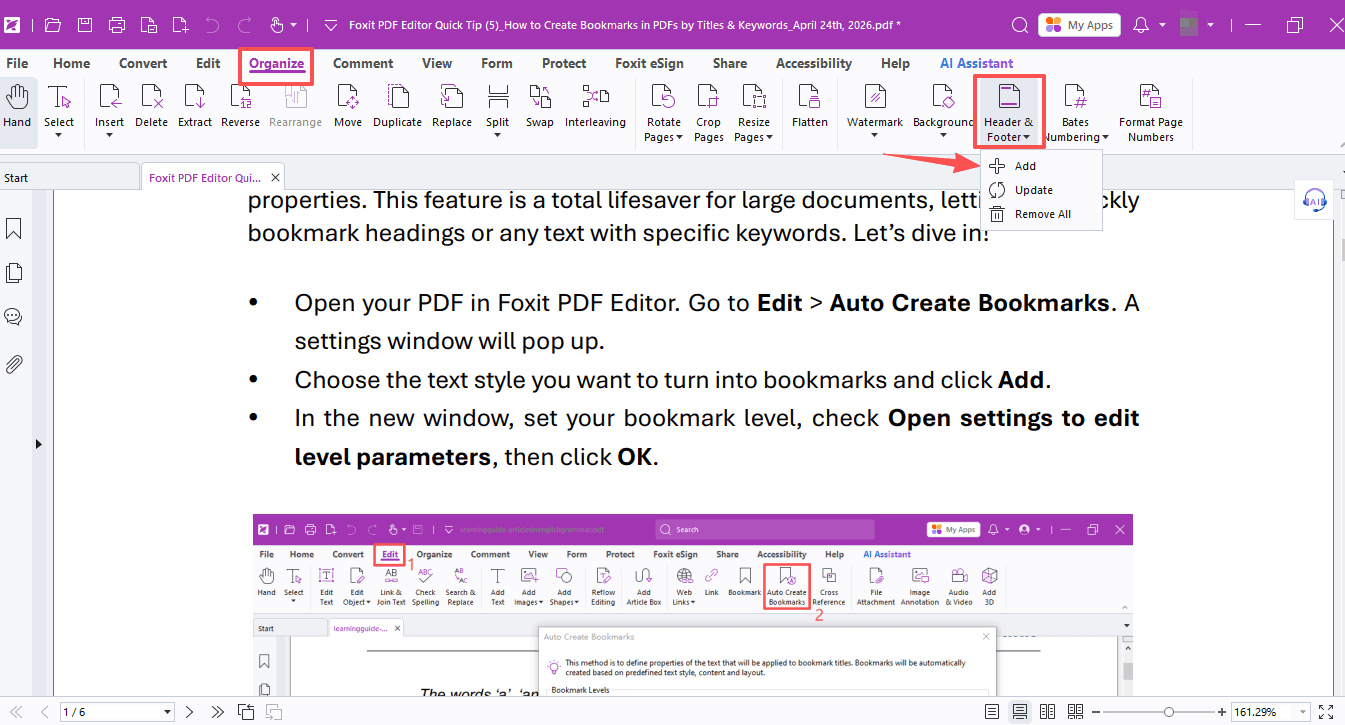 Tip #9PDF EditorMay 29, 2026
How to Add, Reassign, and Customize PDF Footers
Cover pages, renumbering, custom page numbers — Foxit PDF Editor makes it easy to get your footers just right.
Read Tip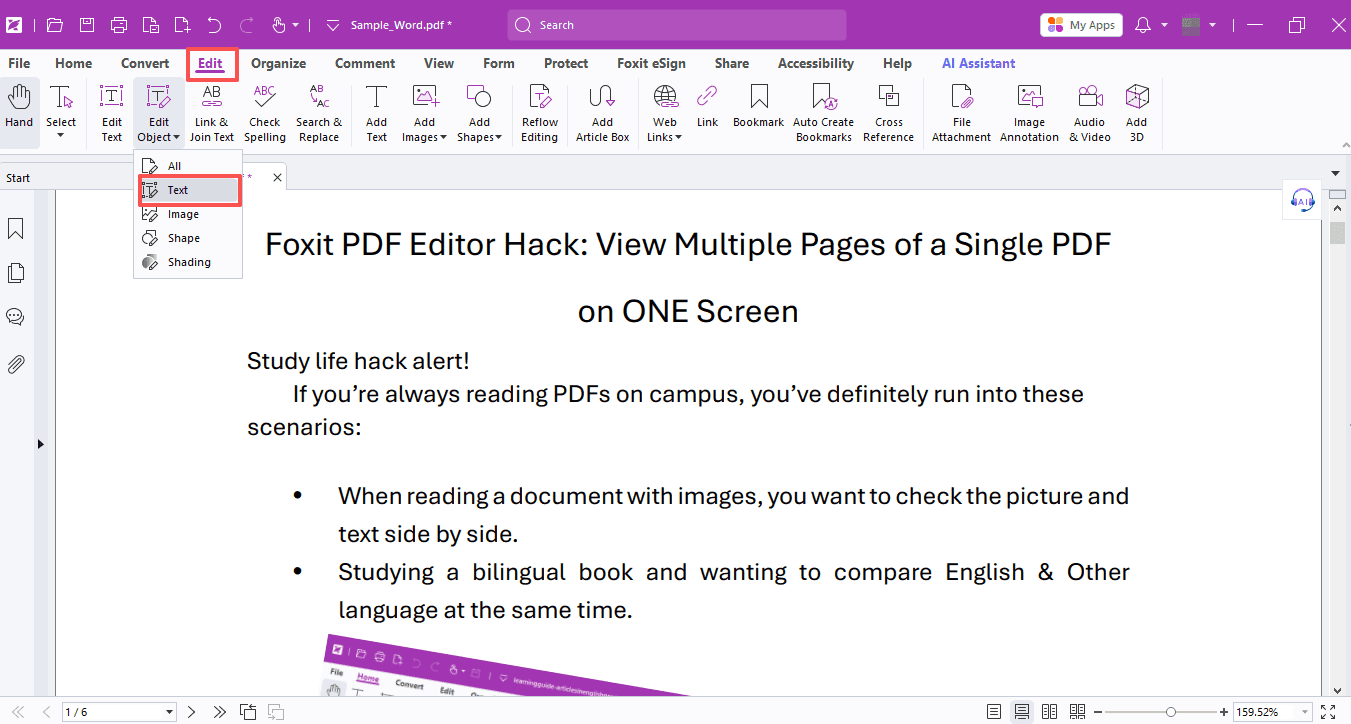 Tip #8PDF EditorMay 22, 2026
How to Tidy Up Text and Images in a Messy PDF
Messy PDFs with jumbled text and skewed images? Foxit PDF Editor fixes all these layout problems effortlessly.
Read Tip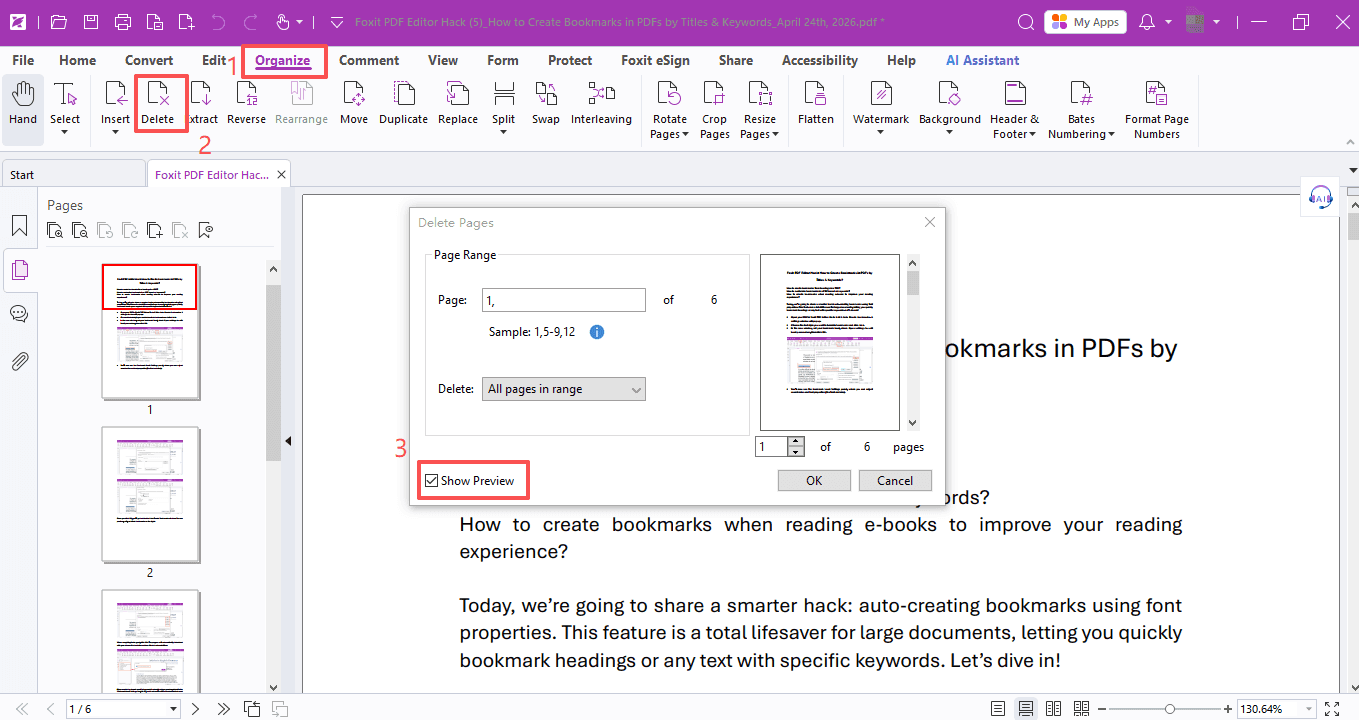 Tip #7PDF EditorMay 15, 2026
How to Batch Delete PDF Pages With a Visual Preview
Need to delete unwanted pages in a PDF fast? Foxit PDF Editor shows you how.
Read Tip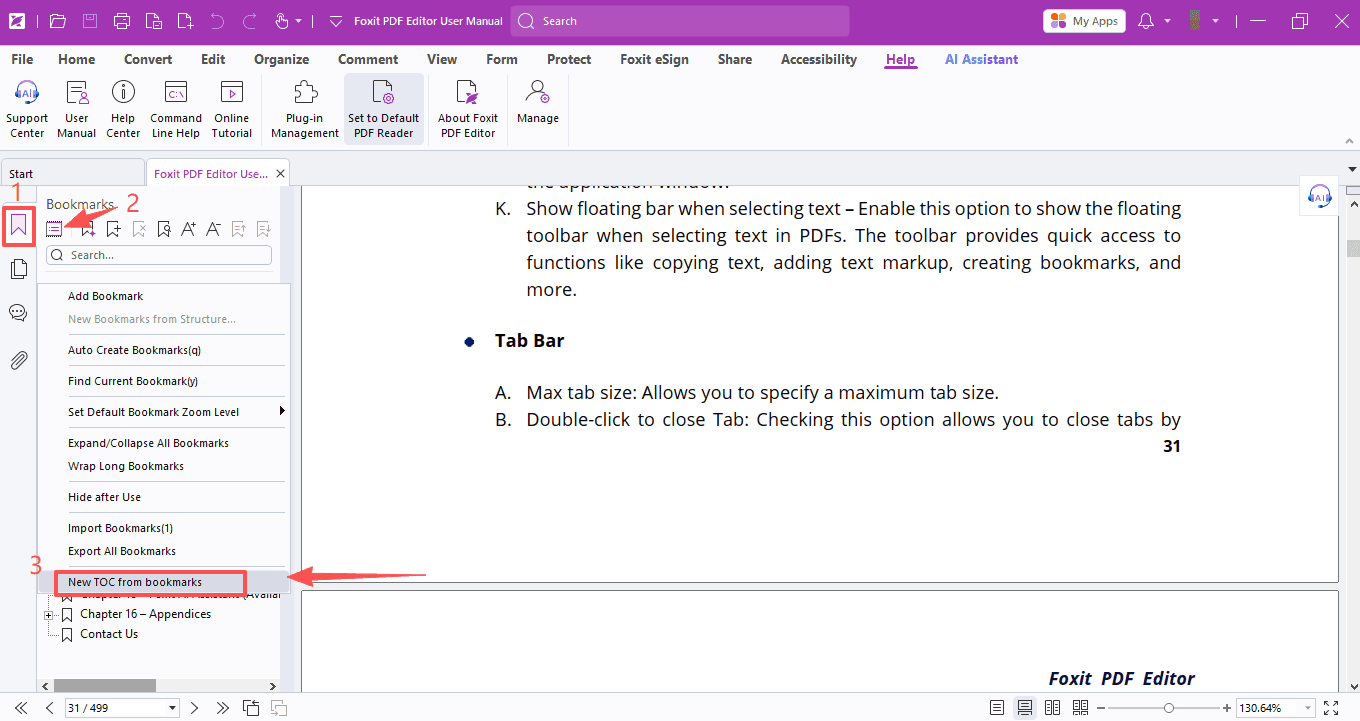 Tip #6PDF EditorMay 8, 2026
How to Auto-Generate Clickable Table of Contents for PDFs
Still adding a table of contents and jump links to your PDFs by hand? Here's how to do it the easy way with Foxit PDF Editor.
Read Tip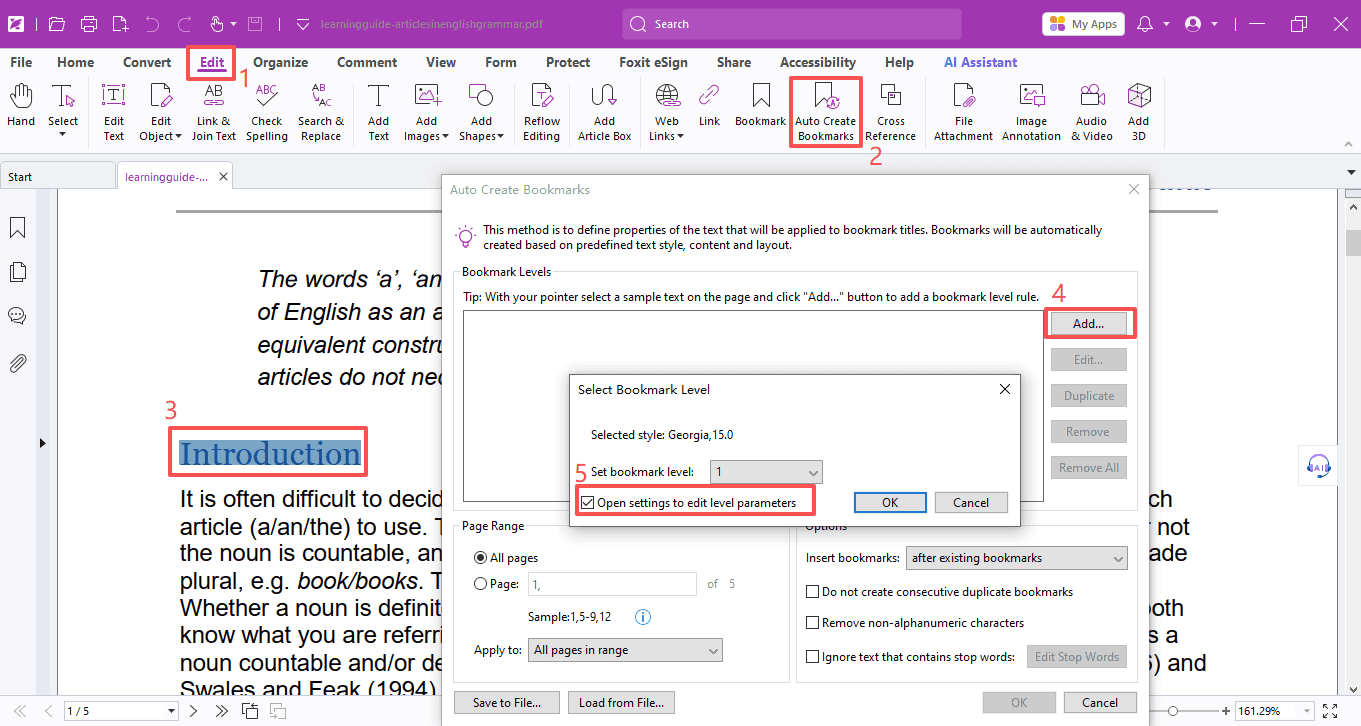 Tip #5PDF EditorApr 24, 2026
How to Create Bookmarks in PDFs by Titles & Keywords
How to create bookmarks when reading e‑books to improve your reading experience? Foxit PDF Editor has the answer.
Read Tip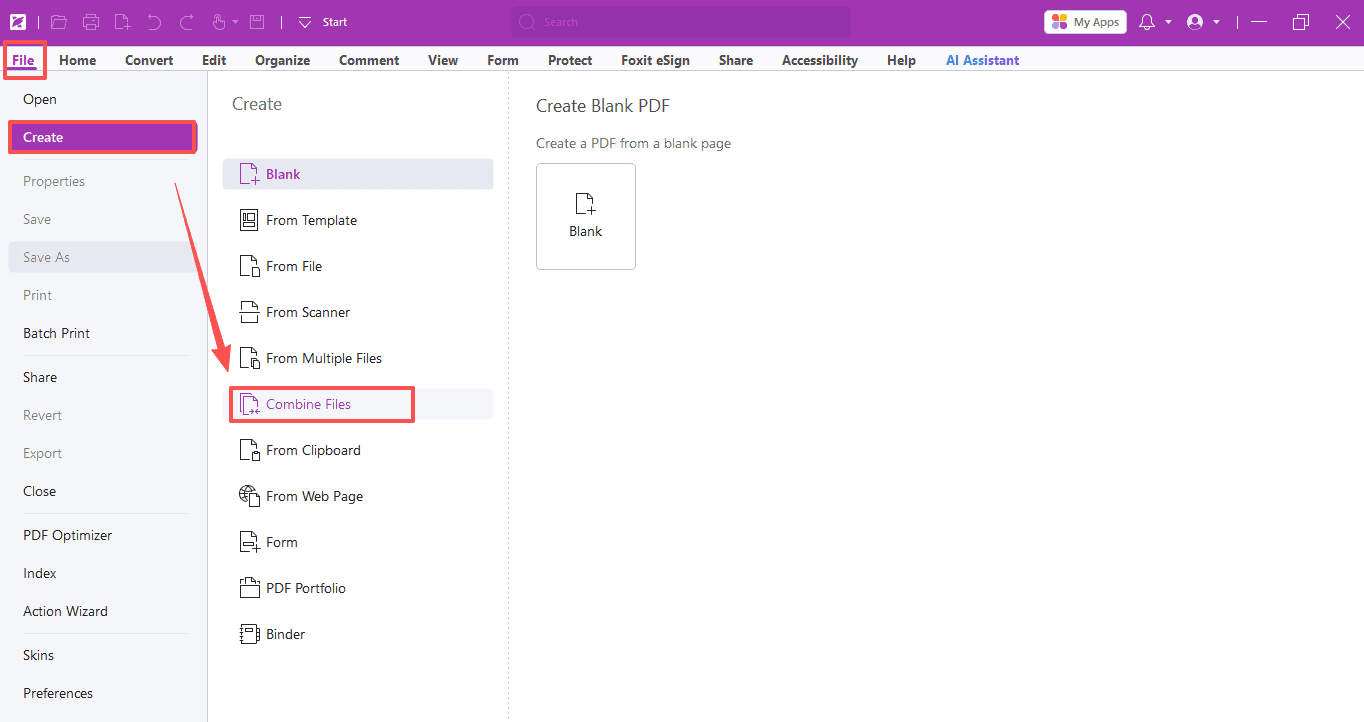 Tip #4PDF EditorApr 16, 2026
How to Merge Multiple PDF Documents into One PDF
Got too many files and just need one PDF? Don't worry! We've got a simple solution: Foxit PDF Editor.
Read Tip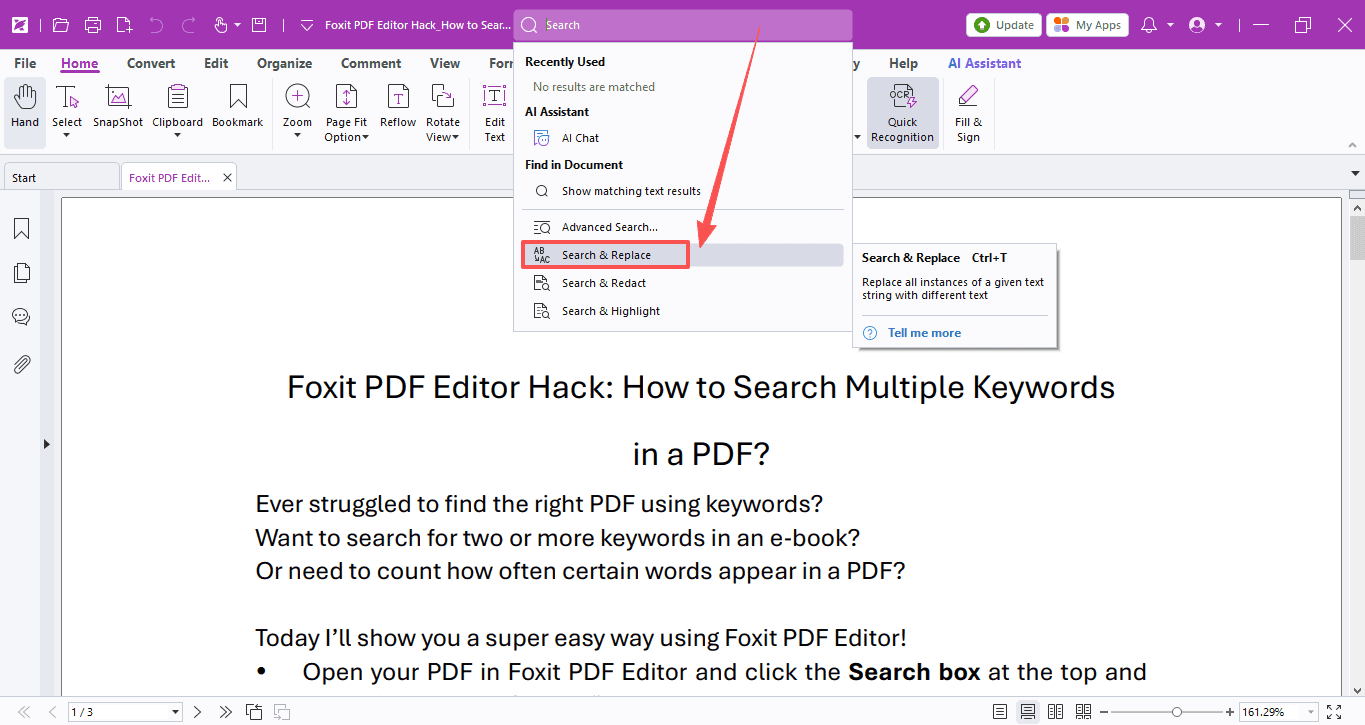 Tip #3PDF EditorApr 10, 2026
How to Batch Replace Text in PDF Documents
Typos in your paper, or a name that needs updating everywhere? Foxit PDF Editor's batch text replacement makes it quick and easy.
Read Tip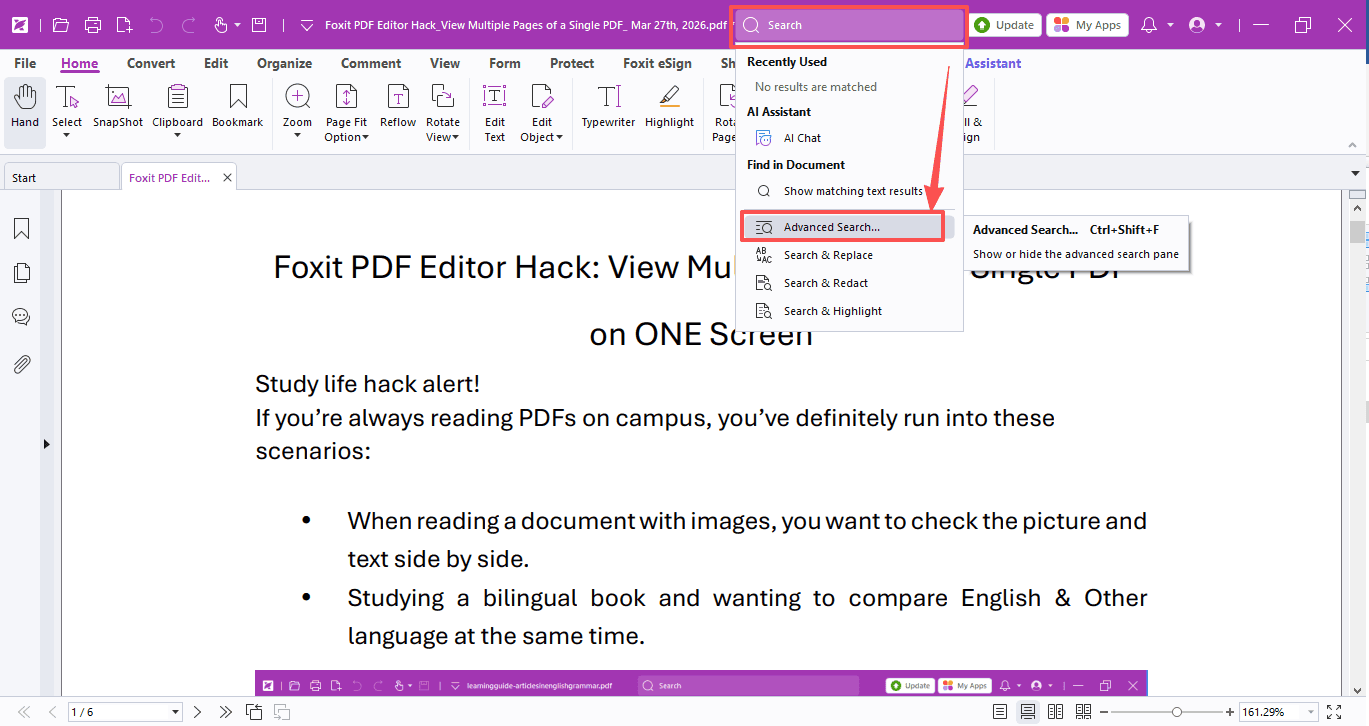 Tip #2PDF EditorApr 3, 2026
How to Search Multiple Keywords in a PDF
Search multiple keywords or count word occurrences in PDFs — Foxit PDF Editor's Advanced Search has you covered.
Read Tip