
Weekly Tip #8
How to Tidy Up Text and Images in a Messy PDF
Messy PDFs with jumbled text and skewed images? Foxit PDF Editor fixes all these layout problems effortlessly.
Have you ever received PDFs with messy formatting, jumbled text and skewed images that make the whole document look disorganized?
Is there a simple way to tidy and straighten them all up?
Absolutely! Foxit PDF Editor comes in handy to solve all these layout problems effortlessly. Let’s take a look!
1. Realign Texts
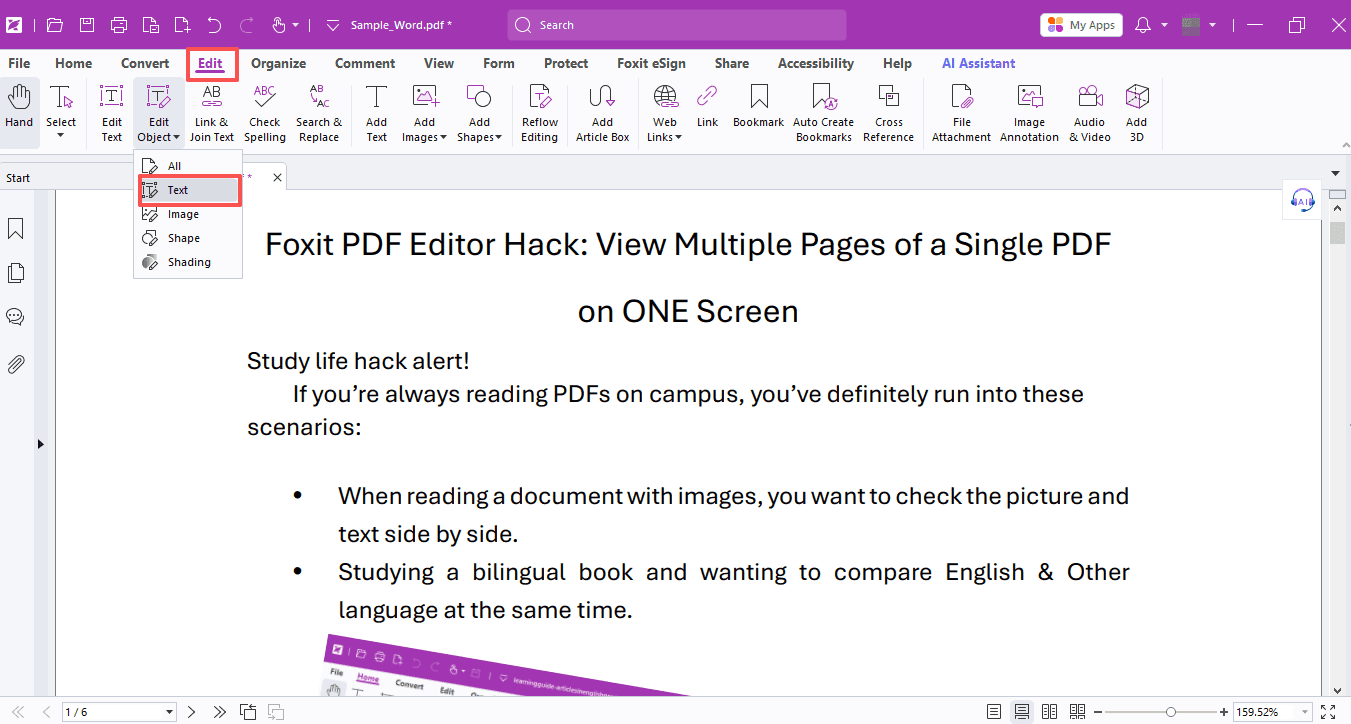
Head to Edit > Edit Object > Text. Hold the Ctrl key or drag your mouse to select multiple lines of text, then open the format panel on the right and choose left alignment to neatly line up selected content.
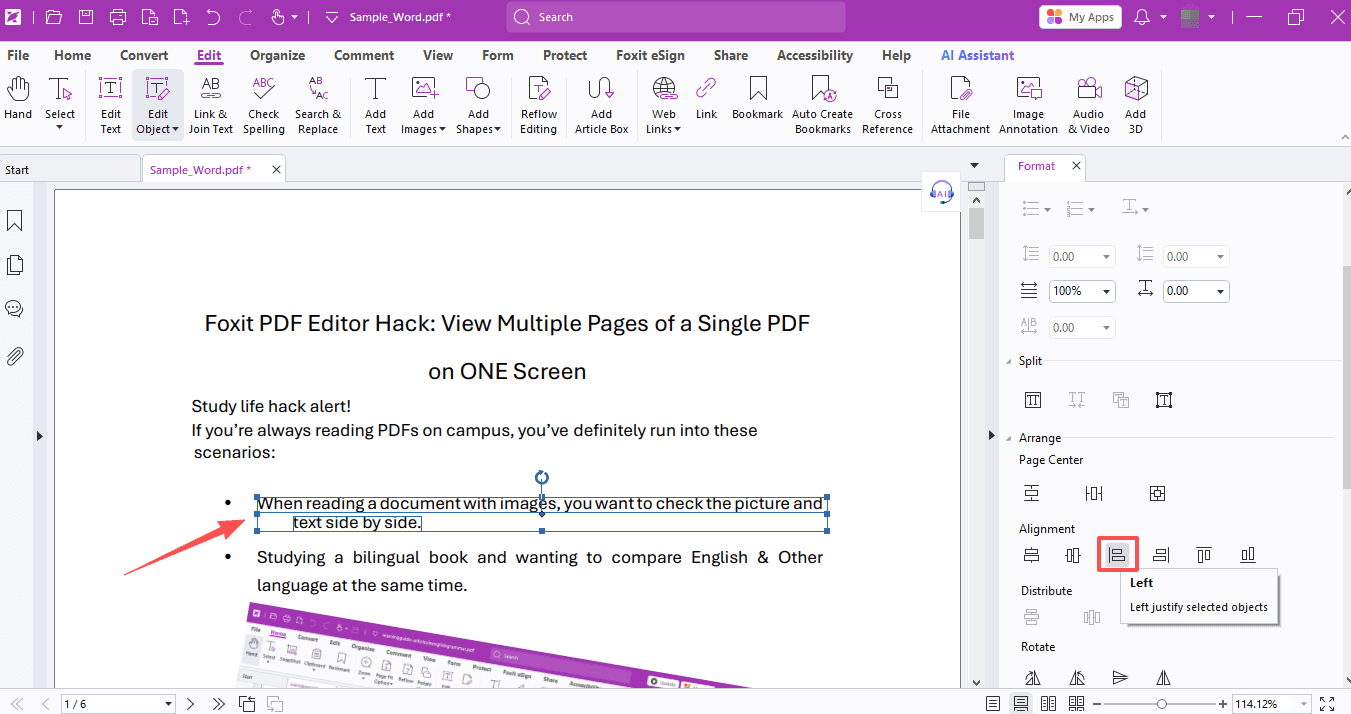
If you cannot easily select an entire line of text, you can adjust it manually. Drag to select the whole paragraph and drag it into place. The editor will automatically show guide lines to help you align content effortlessly.
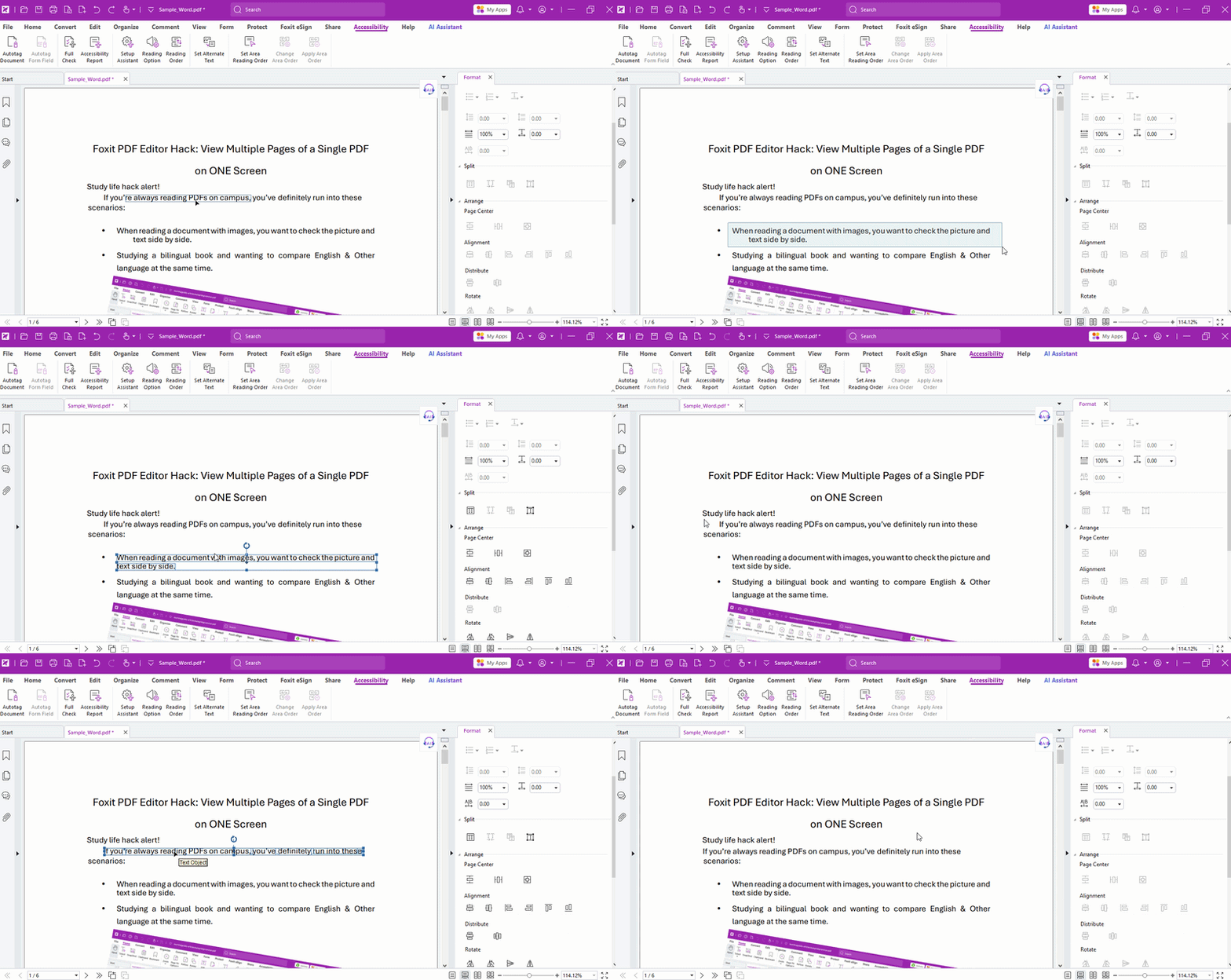
Click to select a full line:

Click to select only part of a paragraph:

Here’s how to do it:
If messy layout is caused by different font sizes, select the text and adjust font size directly in the right-side format panel.
Before:
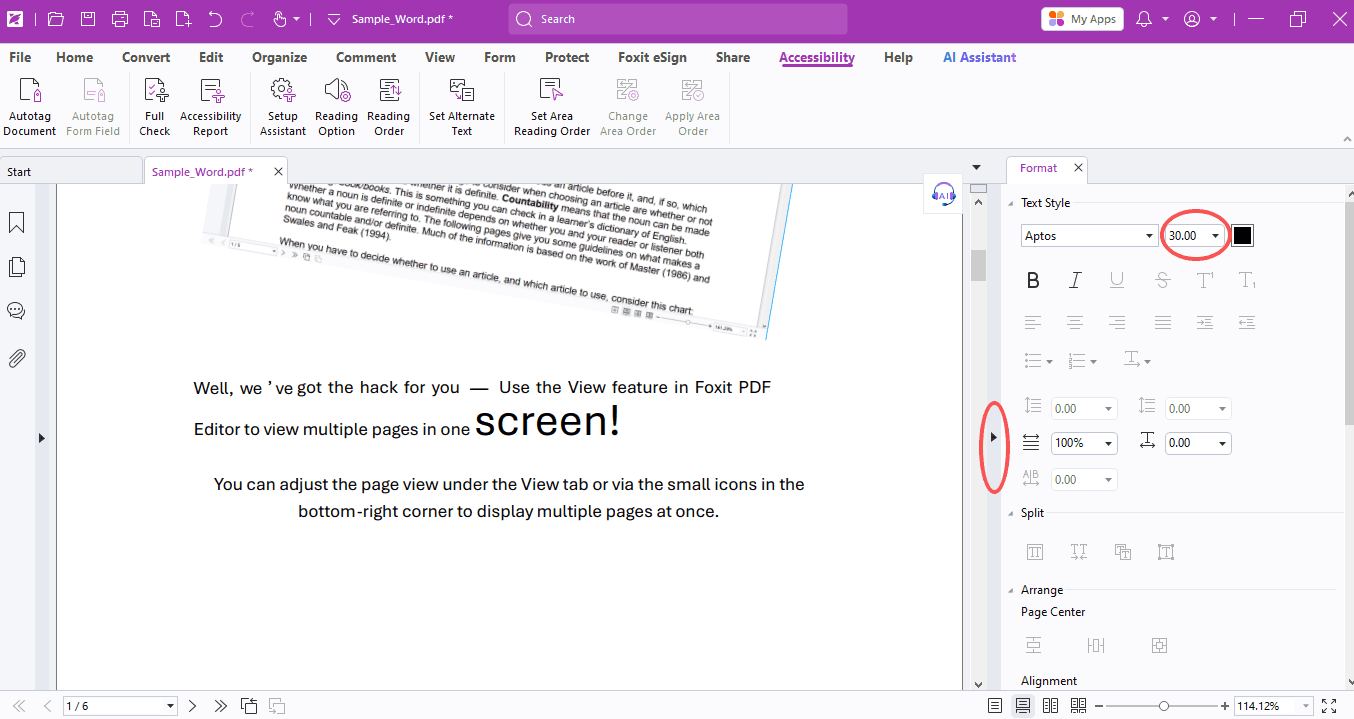
After:
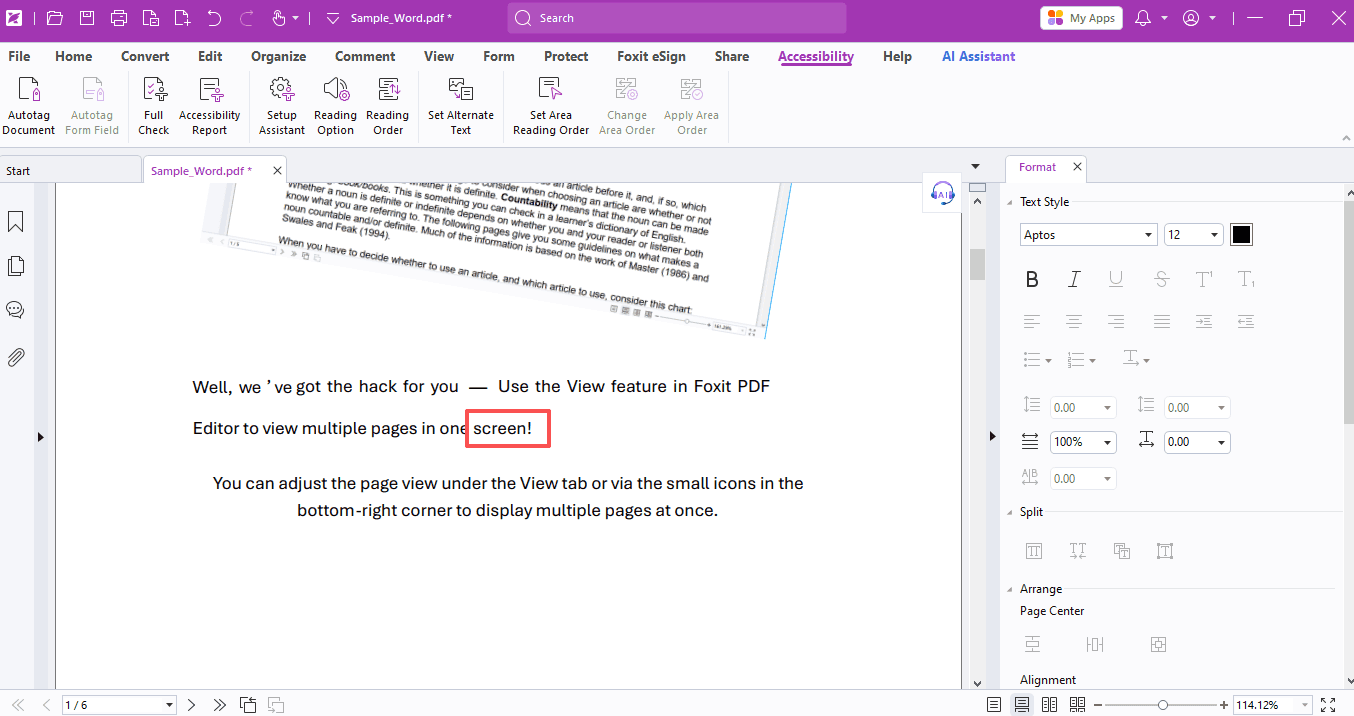
If your text is tilted, simply click on it and drag the circular rotation icon on top to restore it to the normal angle.
Before:
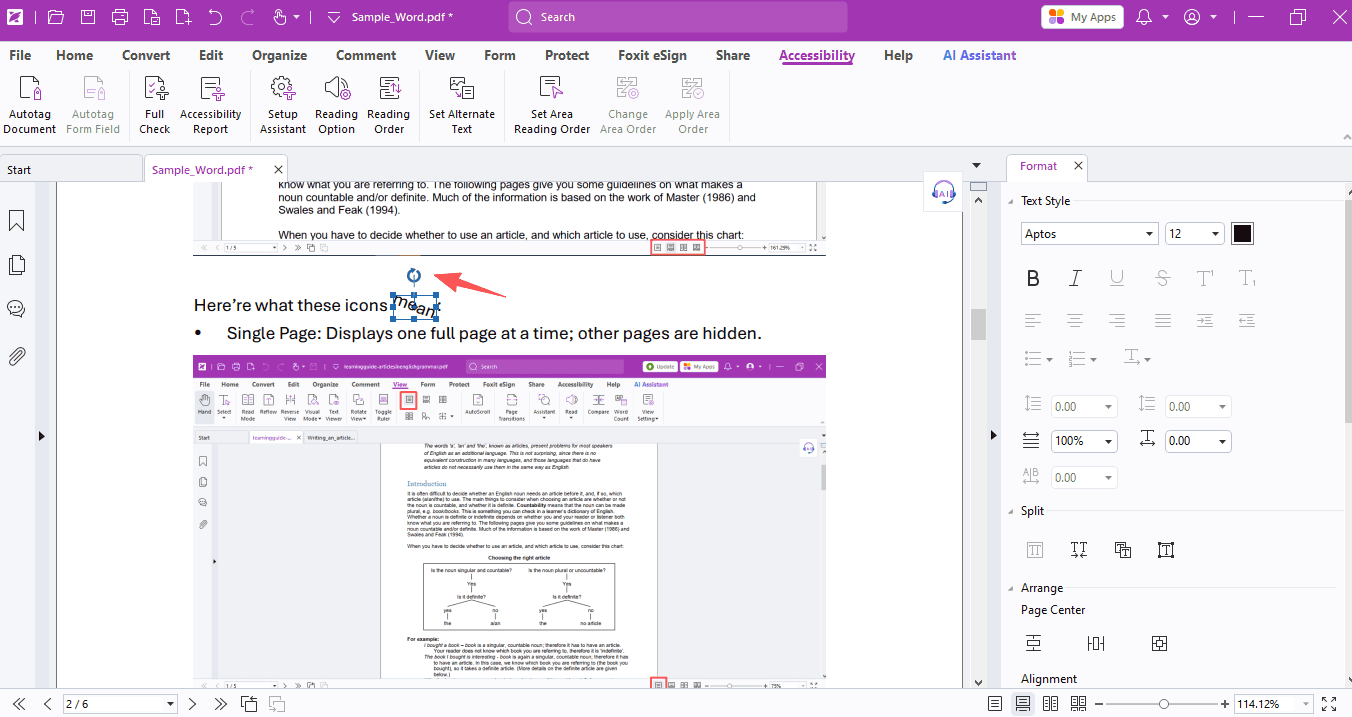
After:
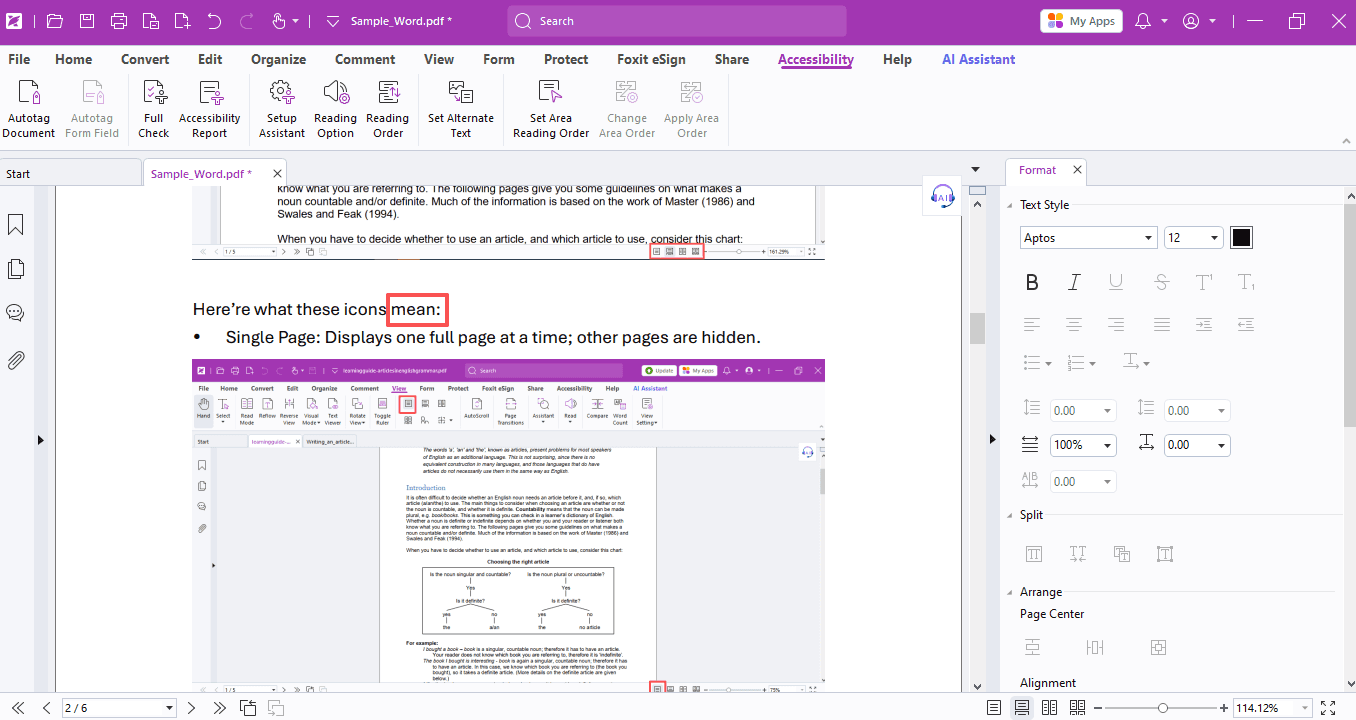
2. Rearrange & Straighten Images
To fix tilted images, go to Edit > Edit Object > Image. Select the target image and drag the top rotation icon to straighten it properly.
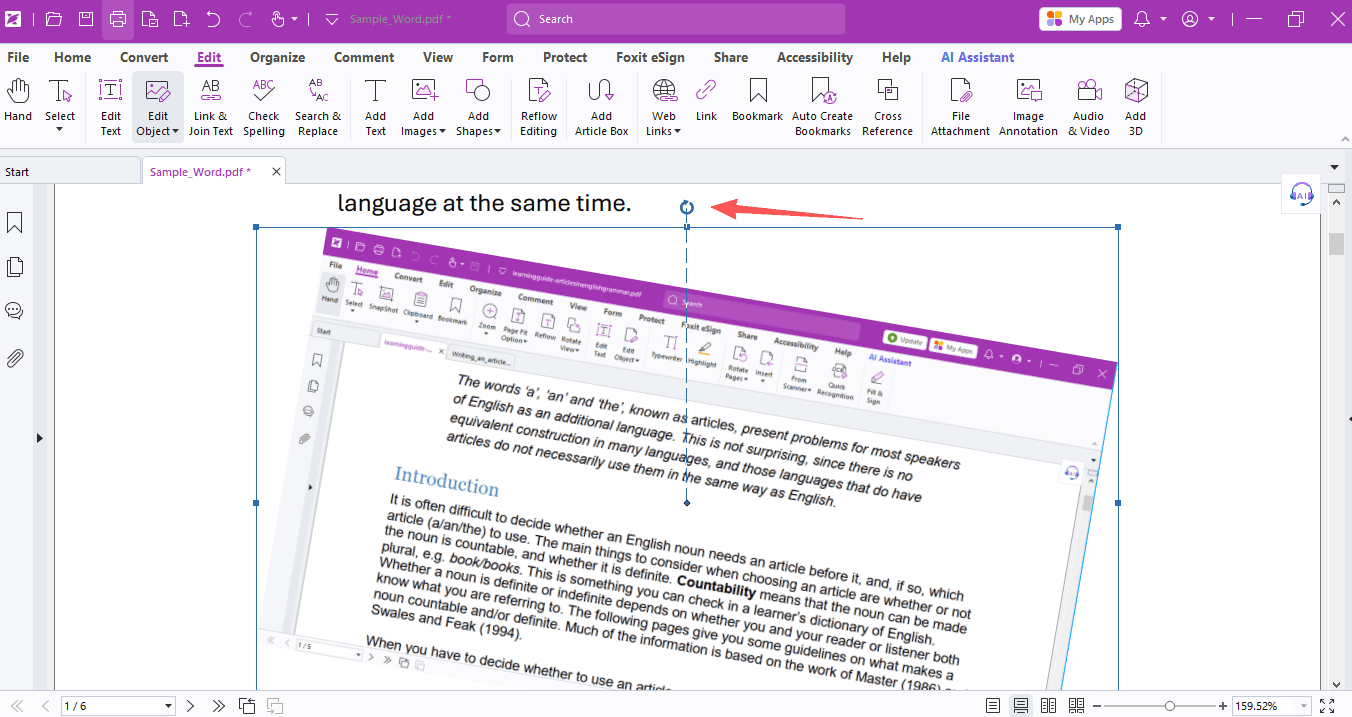
After:
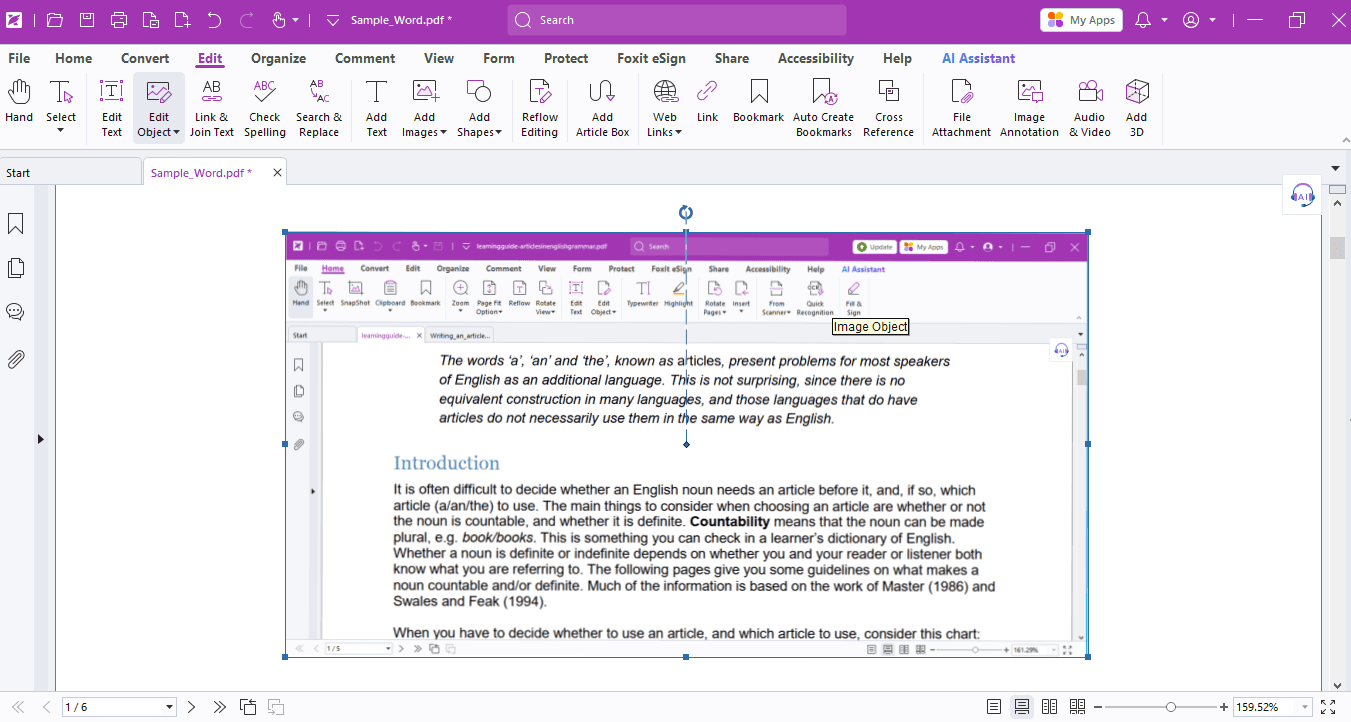
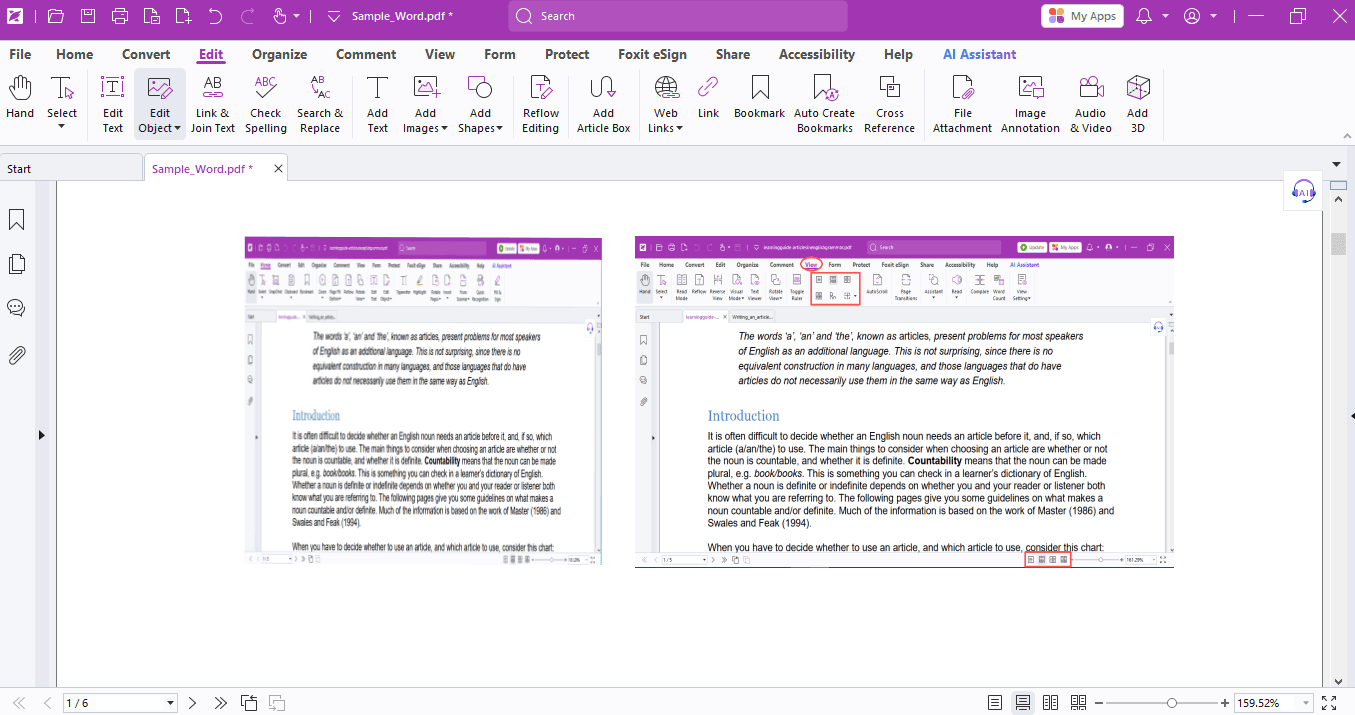
If images overlap or differ greatly in size and mess up the layout, you can select them to adjust their order, size and position freely for a tidy look.
Before:
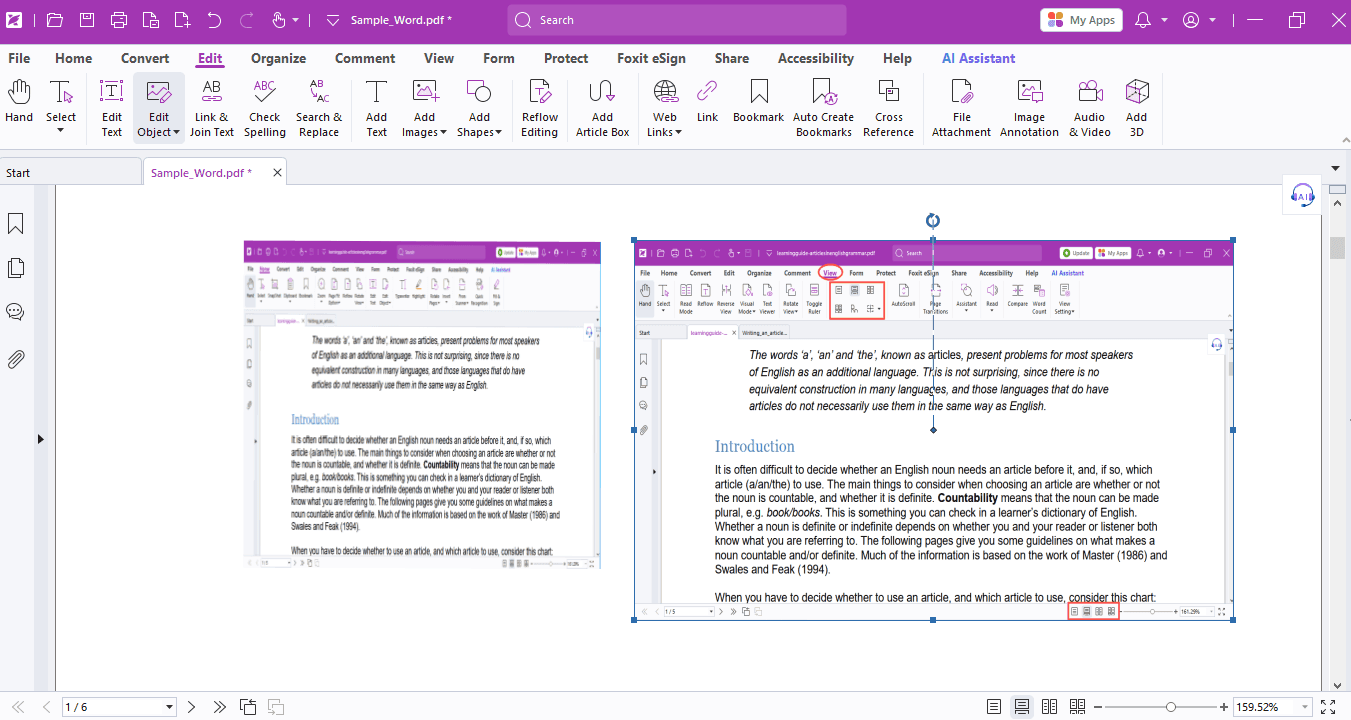
After:
That’s all for today’s tips. Hope these practical tricks can bring you great convenience in daily use!
If you need help with any specific case using Foxit PDF Editor, or have questions about how to use it, please feel free to click here to submit your inquiries. We will create dedicated guides based on your actual needs to provide further support.
Try it yourself
Open the interactive Web SDK demo, or talk to a Foxit APAC partner about licensing for your team or campus.