
Weekly Tip #1
How to View Multiple Pages of a Single PDF on One Screen
Ever wished you could view multiple PDF pages at once? Foxit PDF Editor's View feature makes it happen.
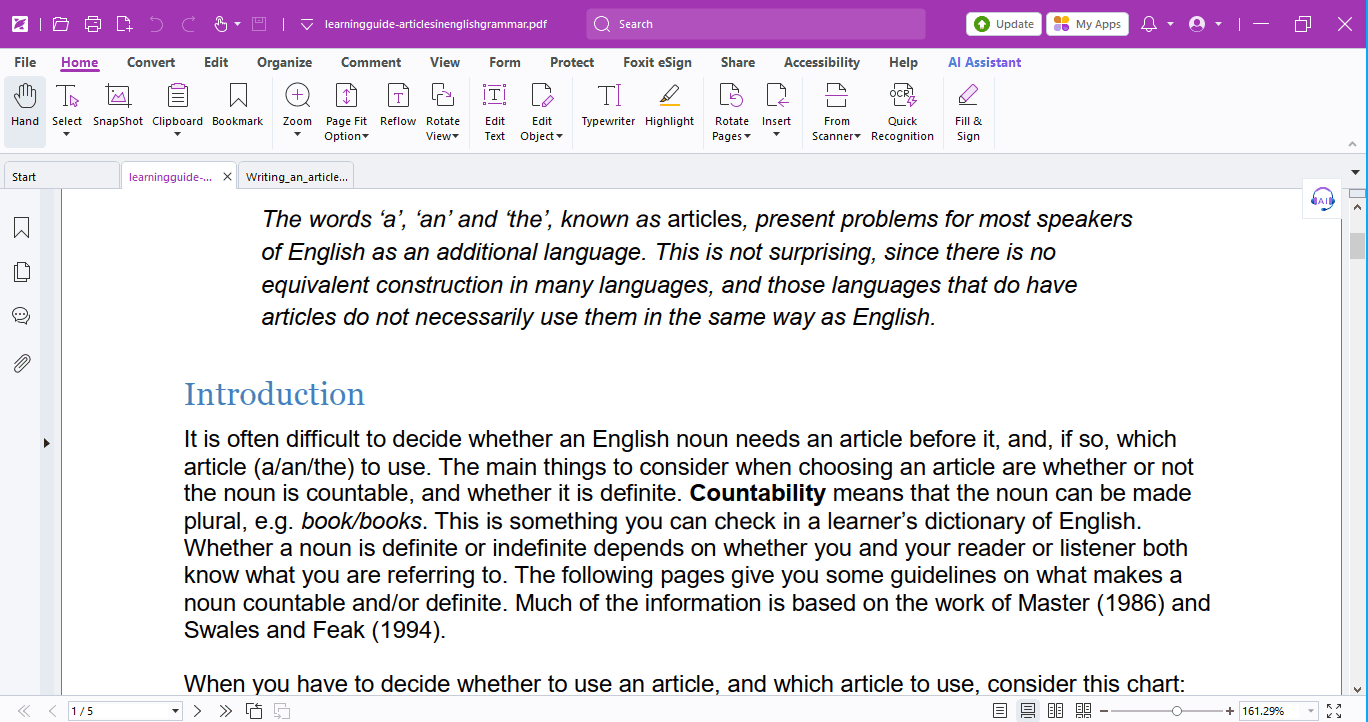
If you're always reading PDFs on campus, you've definitely run into these scenarios:
- When reading a document with images, you want to check the picture and text side by side.
- Studying a bilingual book and wanting to compare English & Other language at the same time.
Well, we've got the hack for you — Use the View feature in Foxit PDF Editor to view multiple pages in one screen!
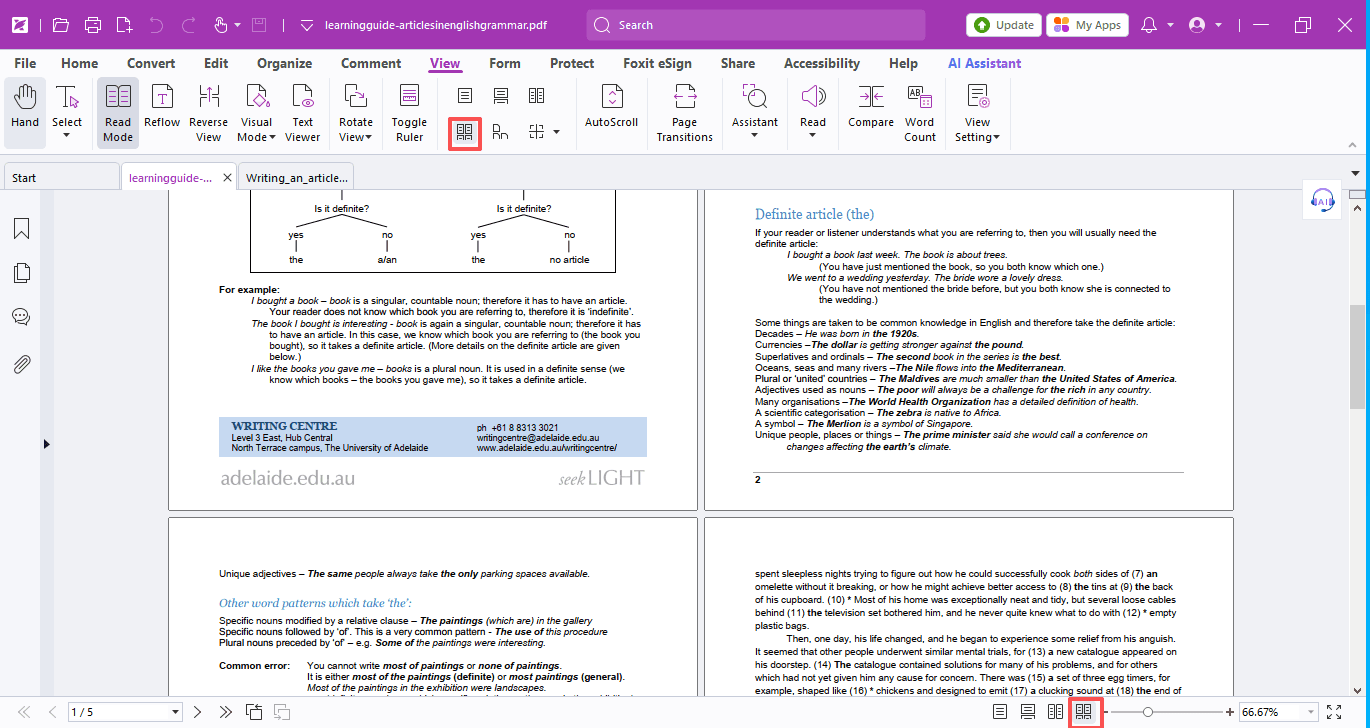
You can adjust the page view under the View tab or via the small icons in the bottom-right corner to display multiple pages at once.
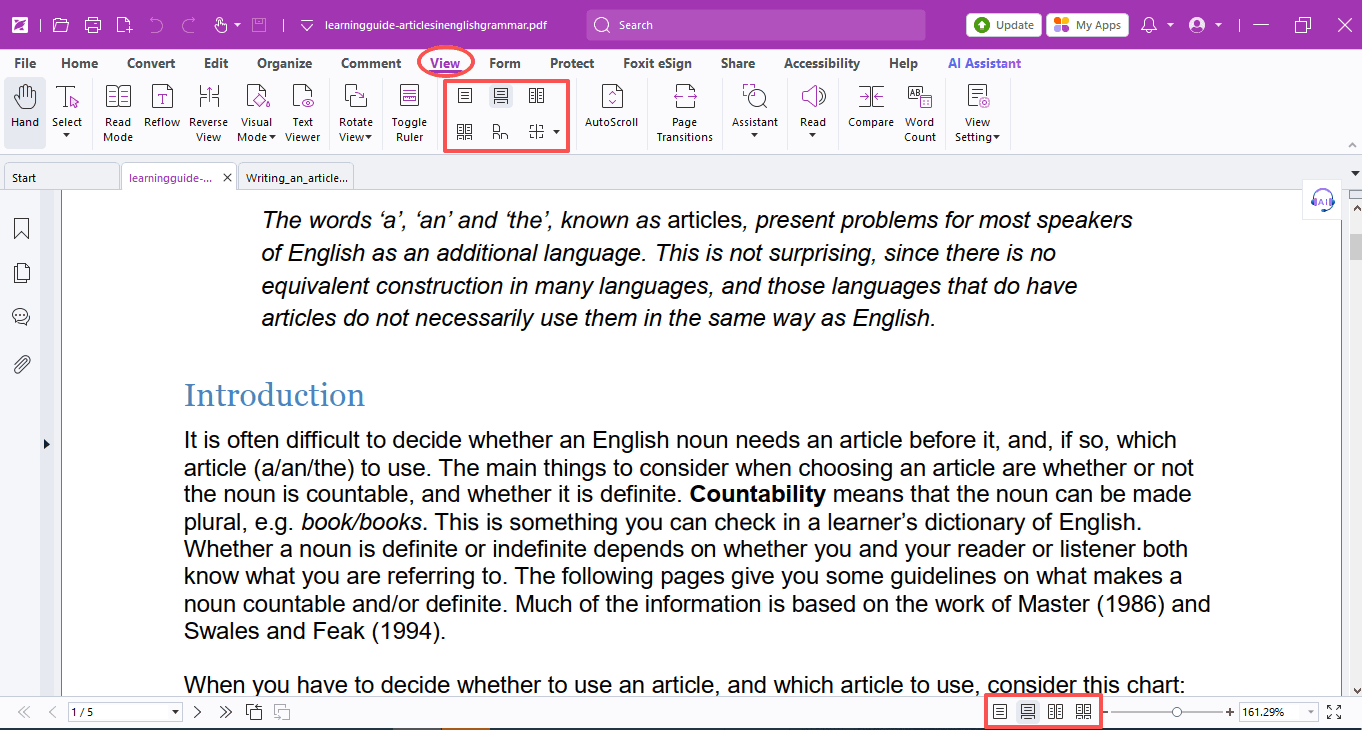
Here are what these icons mean:
- Single Page: Displays one full page at a time; other pages are hidden.
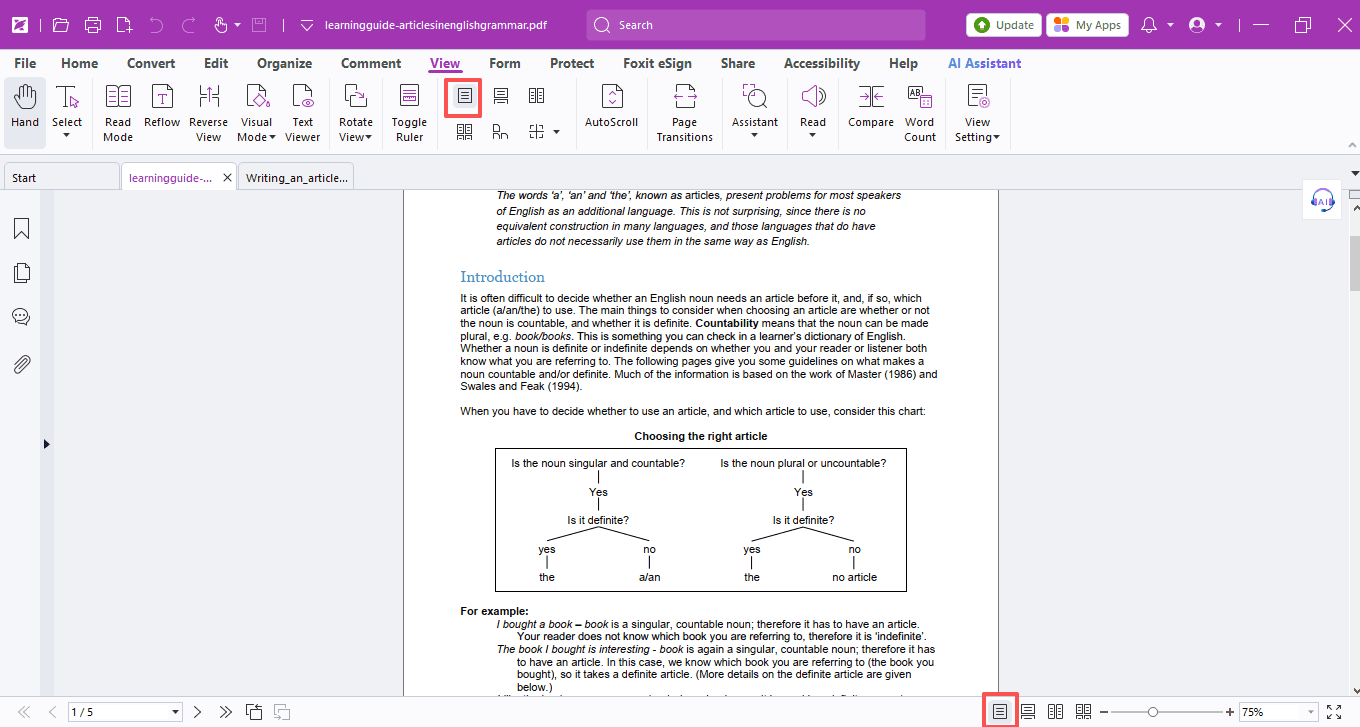
- Continuous: Shows single pages vertically in a continuous scroll.
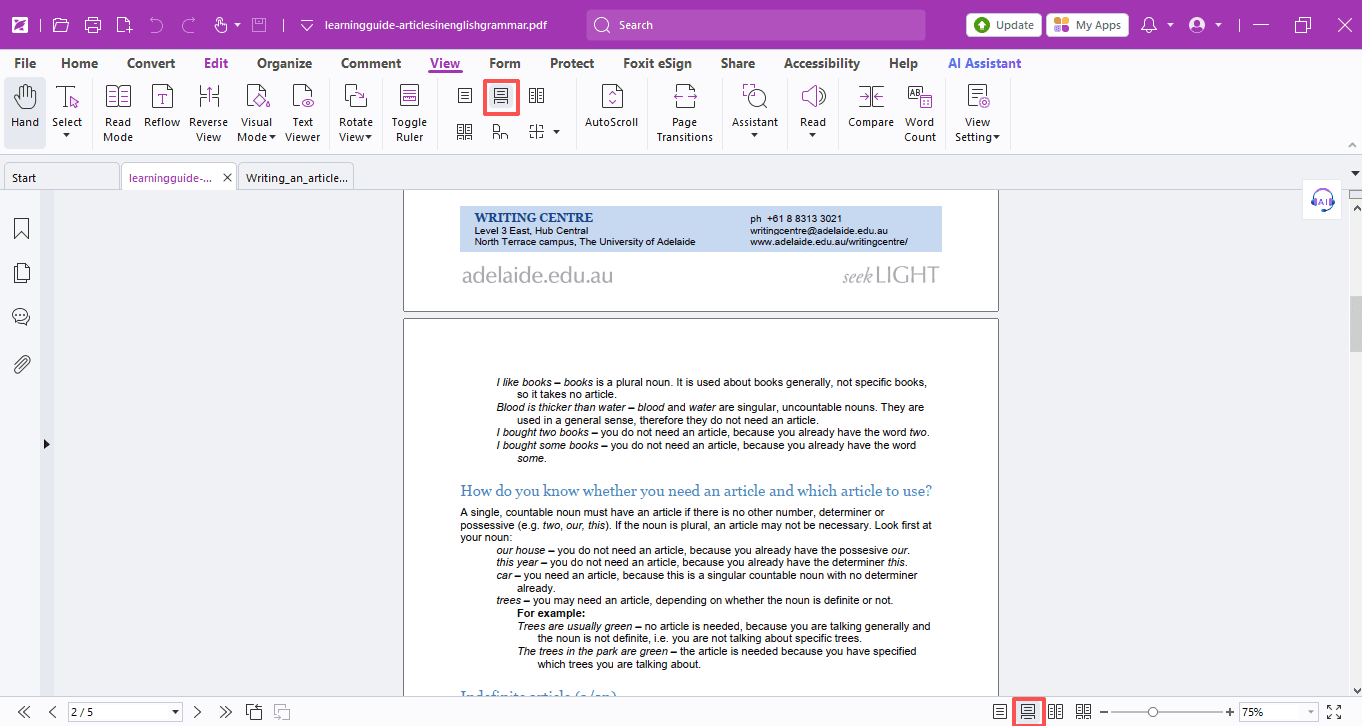
- Facing: Displays two pages side by side at once; other pages are hidden.
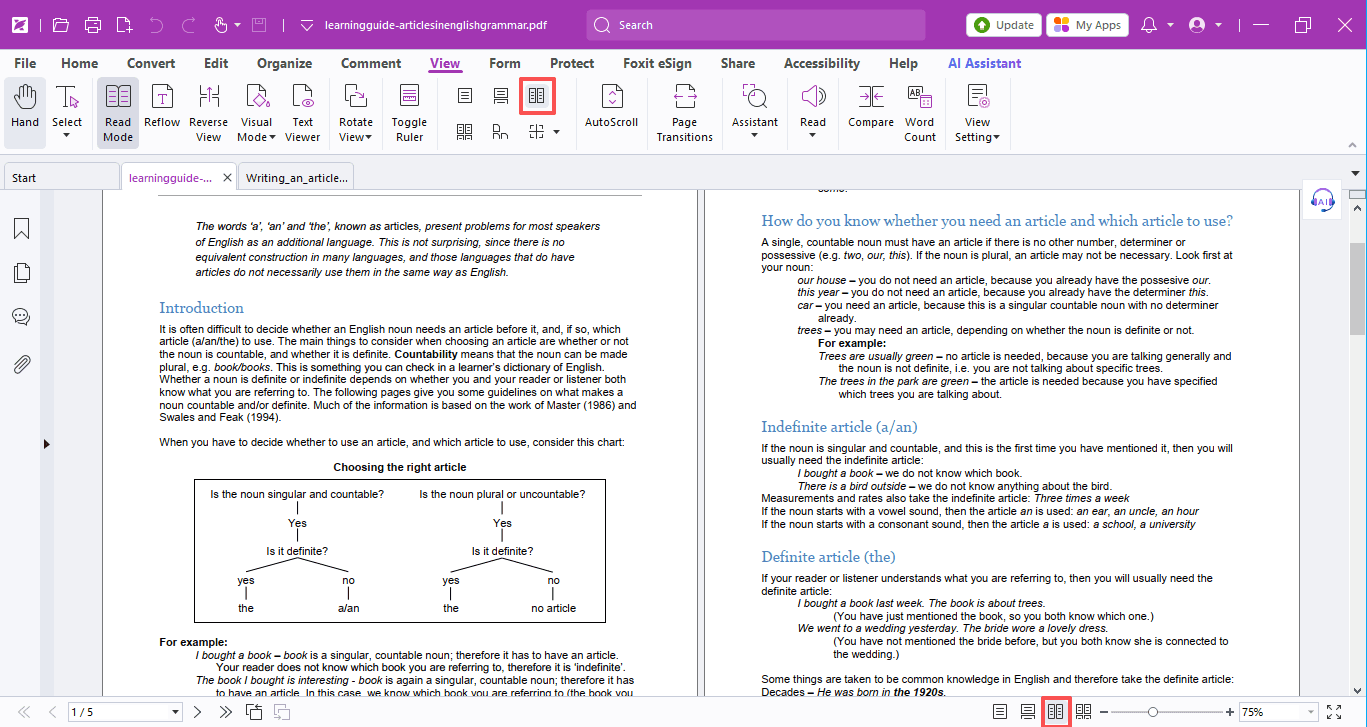
- Continuous Facing: Shows two-page spreads vertically in a continuous scroll.
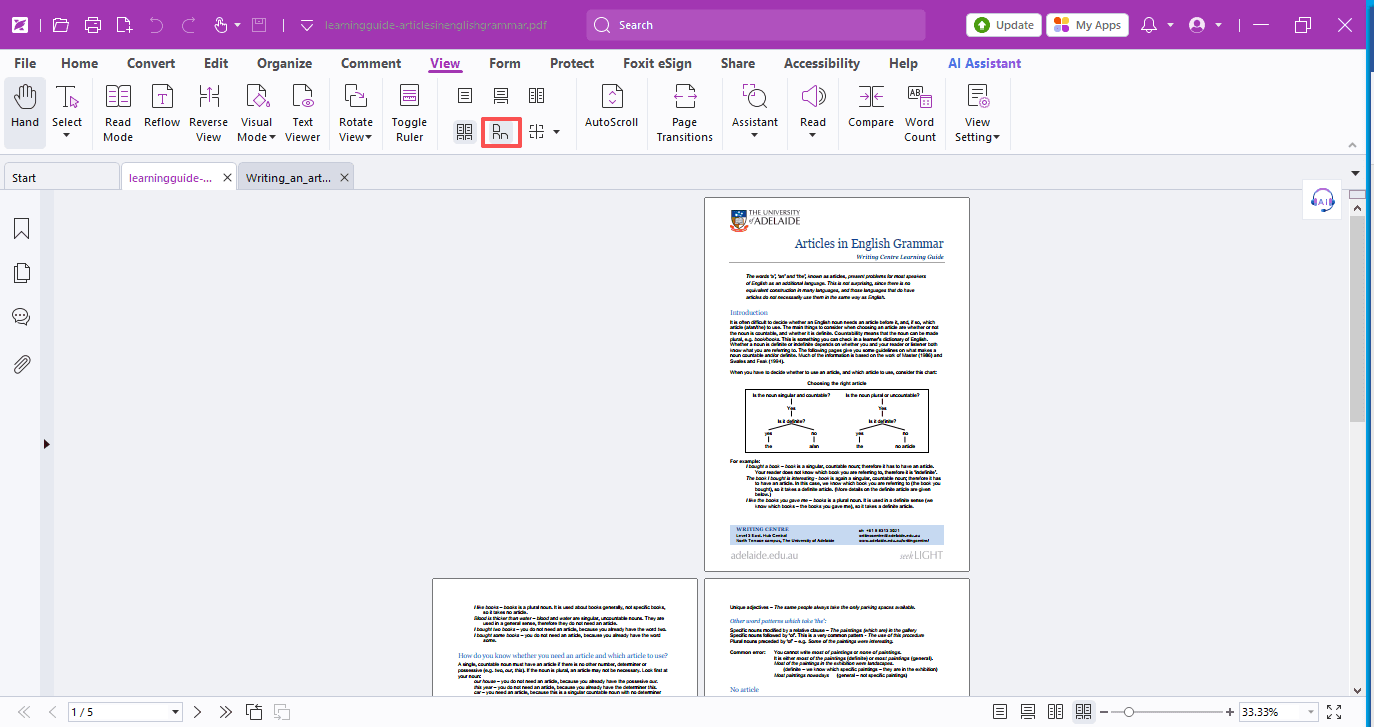
- Separate Cover Page: Displays the cover as a single page when using Facing view.
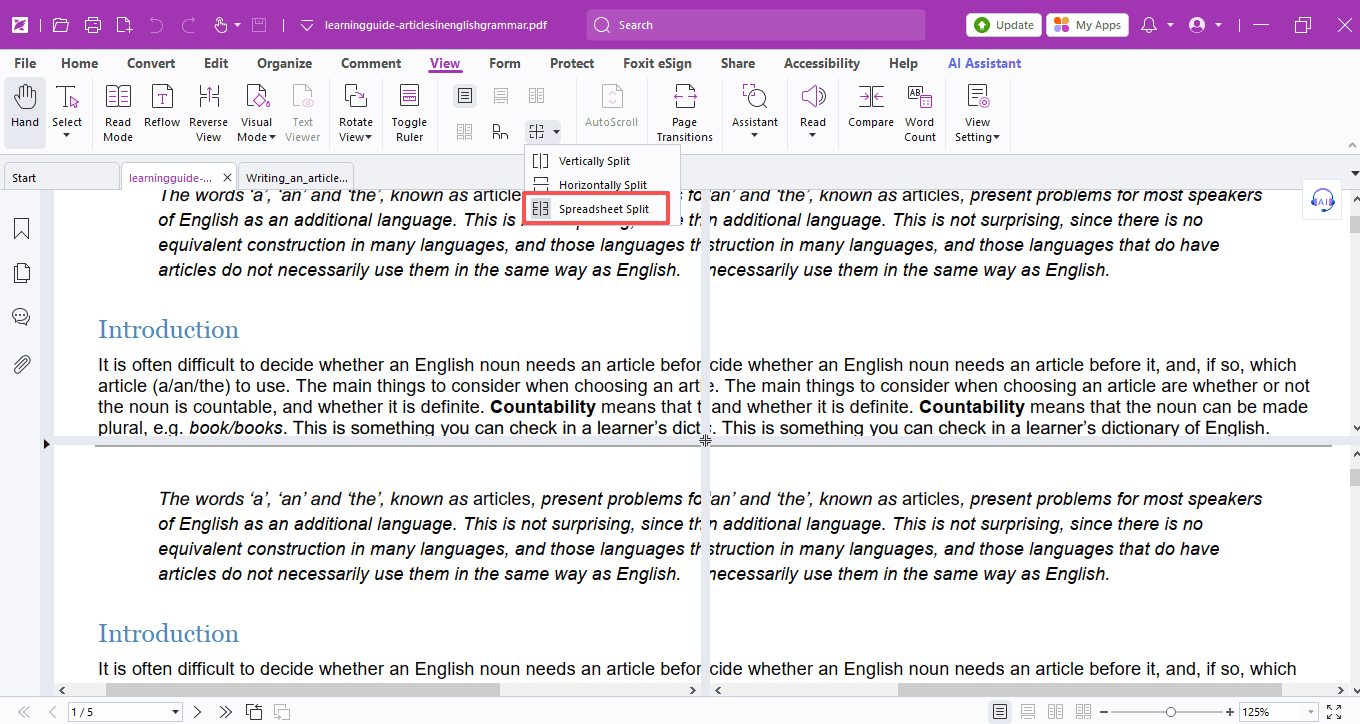
- Vertical / Horizontal Split: Scroll, zoom, or navigate to another page in one window without affecting the other.
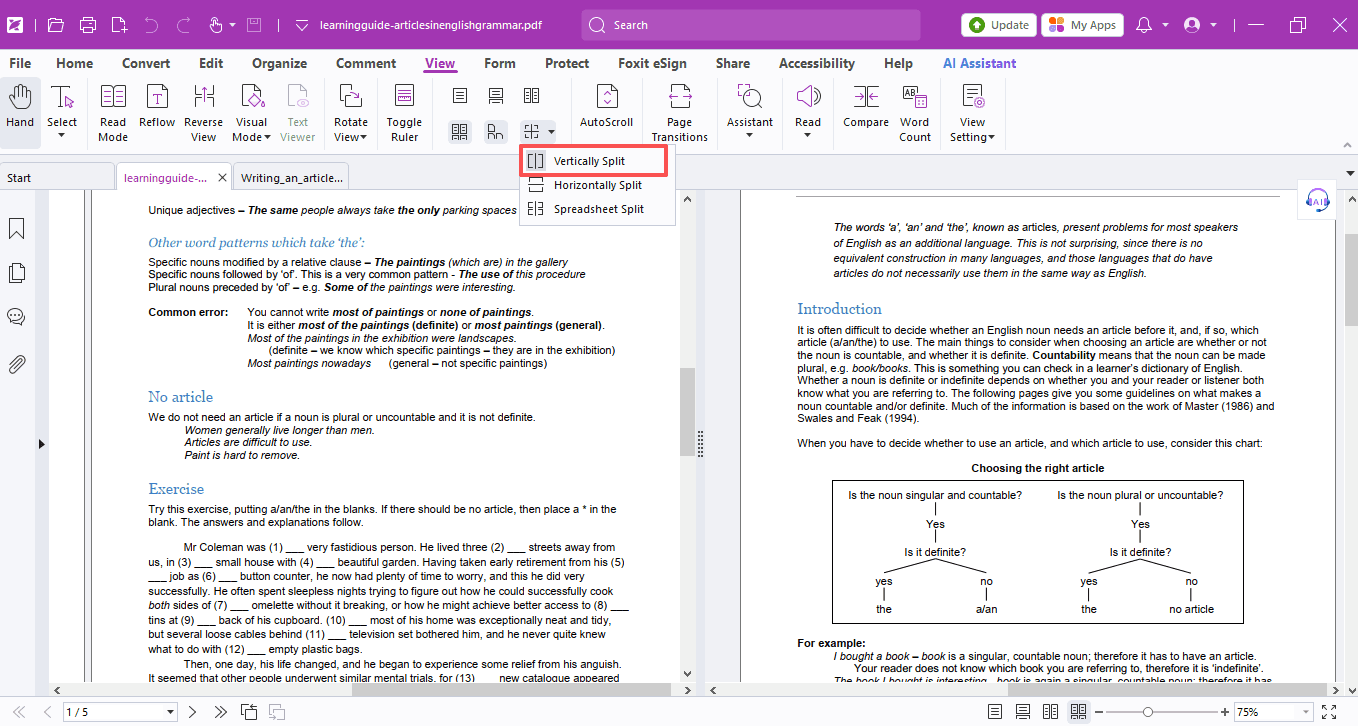
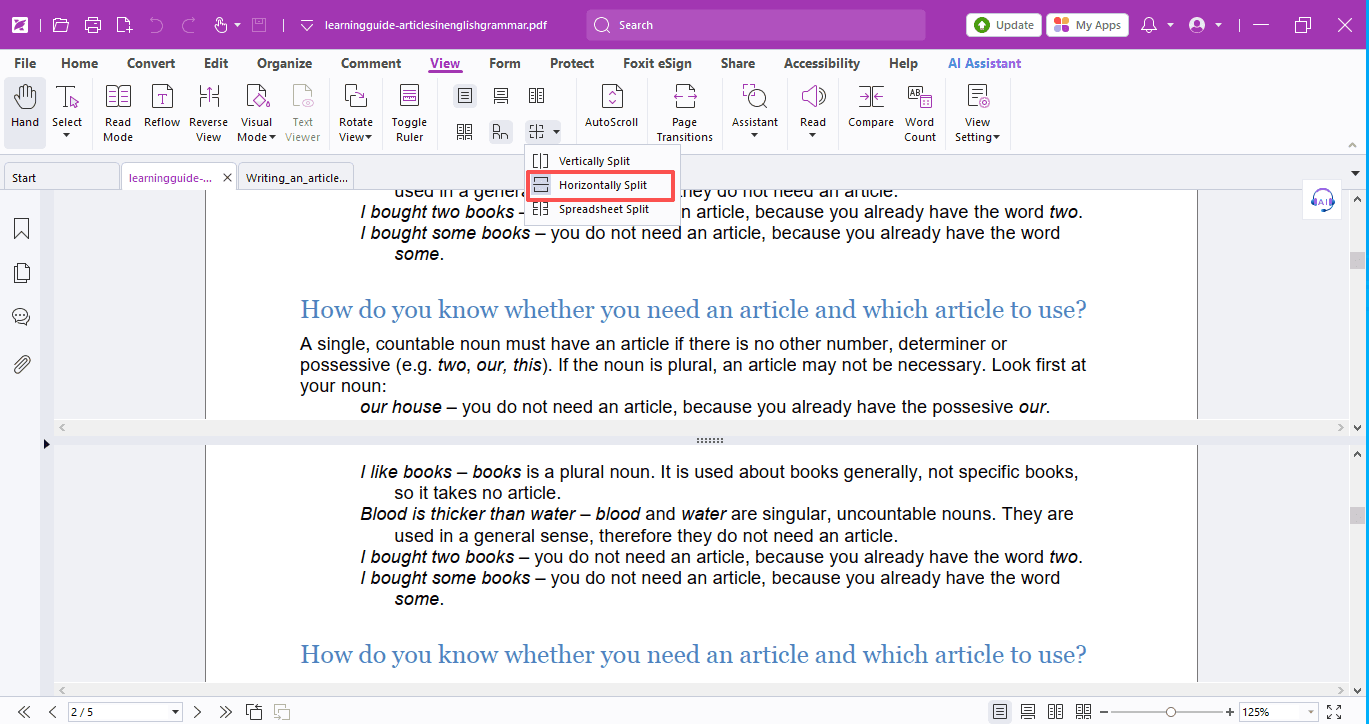
- Spreadsheet Split: If you zoom in one window, all other windows will zoom to the same scale automatically.
That's all for today's hack!
If you have any questions about using Foxit PDF Editor, please feel free to click here to submit your inquiries. We will create dedicated guides based on your actual needs to provide further support.
Try it yourself
Open the interactive Web SDK demo, or talk to a Foxit APAC partner about licensing for your team or campus.