
Blog
Best Practices for a SAML SSO-Configured Environment
August 17, 2026
Foxit PDF Editor Overview
Foxit PDF Editor enables users to open, view, edit, and manage PDF documents efficiently. It supports a wide range of document-related tasks essential for academic and administrative work in a digital environment.
Supported Platforms
Foxit PDF Editor is available on the following platforms:
- Windows: Foxit PDF Editor for Windows
- Mac: Foxit PDF Editor for Mac
- Cloud: Accessible via a web browser at Foxit PDF Online
- Mobile: iOS and Android (Available in PDF Editor+ only)
Initial operation for End Users
To install Foxit PDF Editor, follow these steps:
- Visit Foxit's website.
- Click on "Log in" in the top right corner and "SSO Login" using your email address.
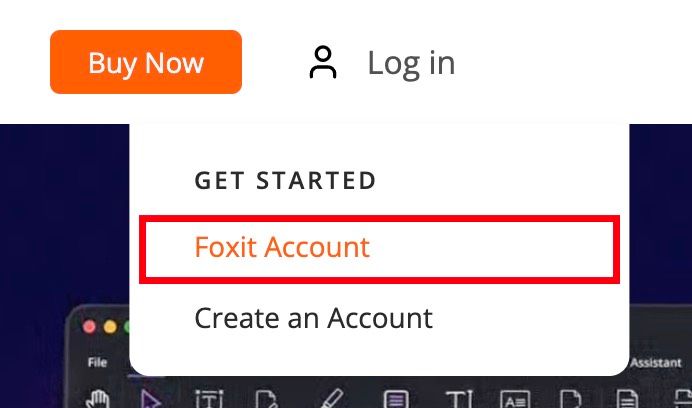
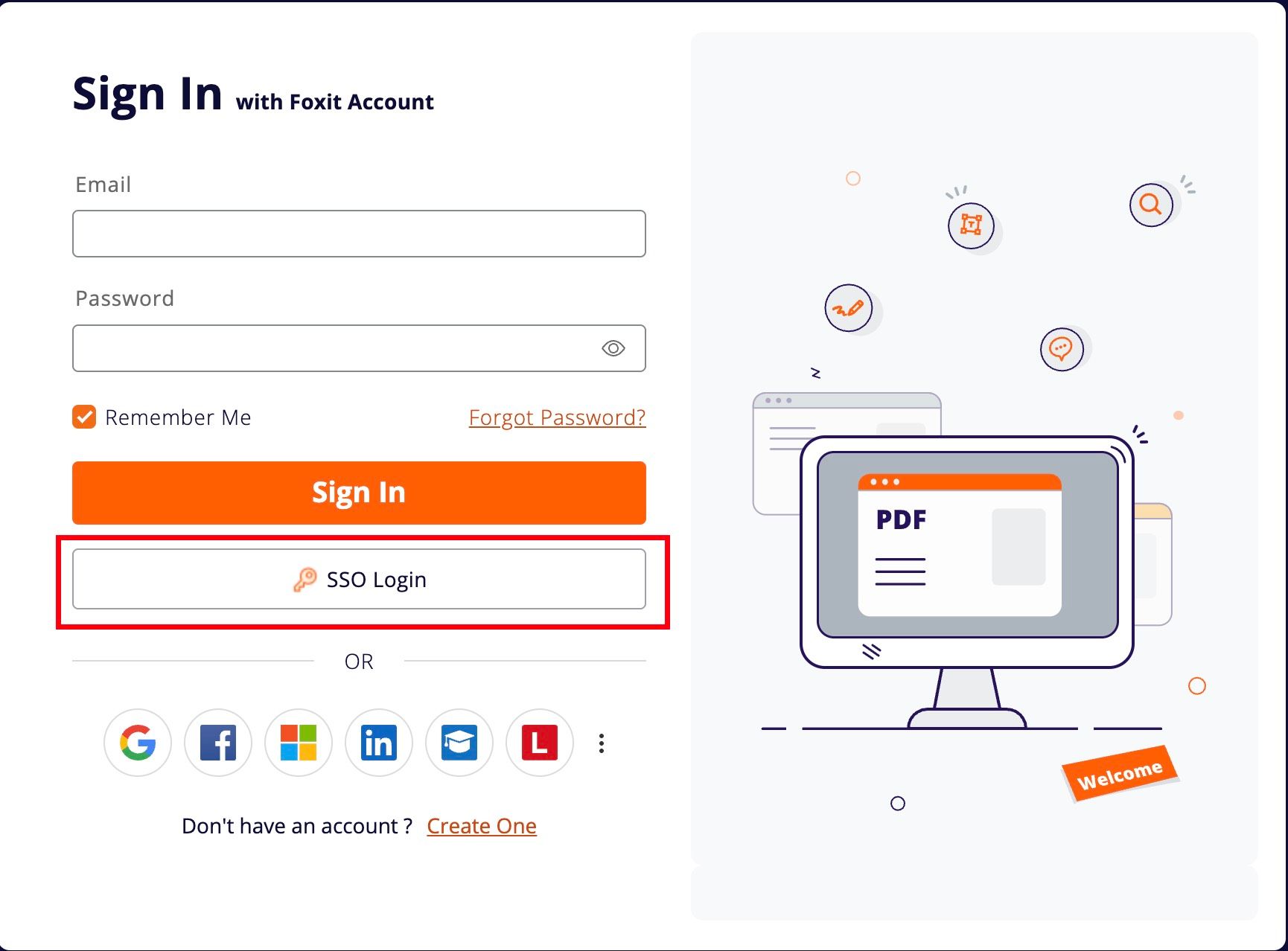
- After logging in, go to “My Apps” and download the PDF Editor for your operating system.
- Once installed, use Single Sign-On (SSO) with your domain email to activate full access to the editor.
Best Practices for Super Administrators of the Admin Console
User Management in Admin Console
- By default, all Foxit accounts with the verified domain suffix will appear on the Admin Console under: User ID Management > Users > Directory Users > All Users
- Users in the authorized group on Azure AD will appear under: User ID Management > Users > Directory Users > SAML Users
- If you do not want users outside the authorized group on Azure AD to appear in All Users, uncheck "Default sync for all users with the domain after verification".
License and User Management Best Practices
- Once SAML is configured, manage users and licenses directly in Azure AD instead of the Foxit Admin Console.
- For example, to assign a license to a new user, add the user to the authorized group in Azure AD and either:
- Click "Start Provision" in the Azure AD to assign the license immediately.
- Wait for the system's auto-provisioning based on the configured sync interval. By following these best practices, administrators can efficiently manage user access and licensing while maintaining seamless SSO experience.
If you have any questions, please reach out to your IT department or Foxit Support.
See Foxit in action
Try the interactive Web SDK demo, or talk to a Foxit APAC partner about enablement for your team.